Category
How to Deploy AI on Your Own Infrastructure
Last updated: April 2026
You have decided to bring AI in-house. Now what? Deploying AI on your own infrastructure means installing AI models on servers you physically control, so your data never leaves your network and your per-inference cost drops to a fraction of cloud API pricing. This guide walks through the actual process of building your private AI workforce: what hardware to buy, what software to install, and what timeline to expect. No theory. No "it depends." Just the steps.
⚡ Quick Answer
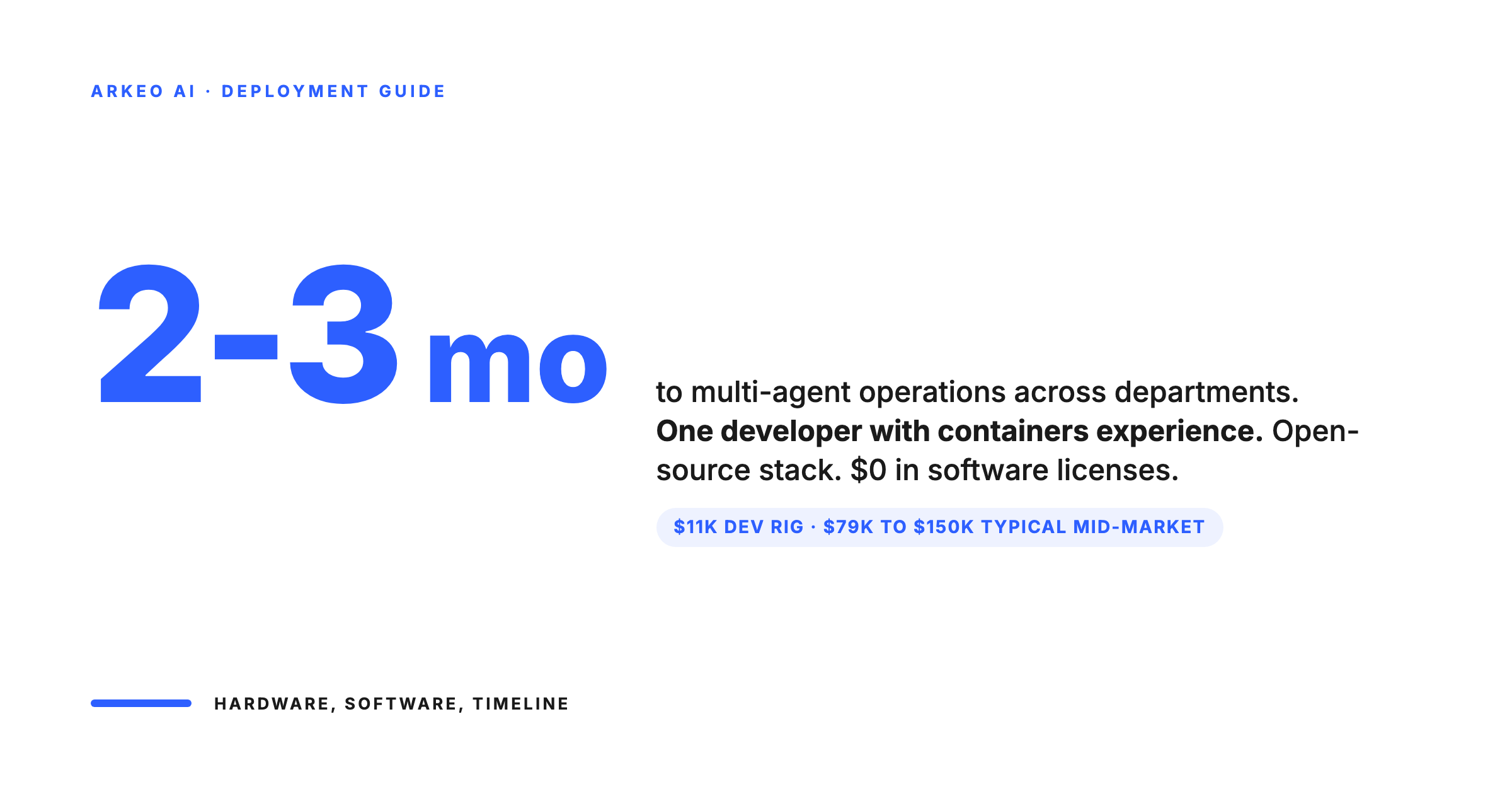
- Timeline: A single-use-case deployment takes 2-4 weeks. Multi-agent operations across departments take 2-3 months.
- Hardware cost: $11,200 (development) to $335,000 (high-performance inference). Most mid-market deployments land at $79,000-150,000.
- Software cost: $0. The entire AI software stack (models, inference servers, orchestration) is open-source.
- Team required: One developer or IT professional who understands containers and basic GPU management. Not a data science team.
- Break-even vs cloud: As little as 4 months at steady usage.
Before You Start: Three Questions
The deployment will fail if you skip the strategy. Answer these first.
1. What problem are you solving?
"We want AI" is not a deployment plan. "Our team spends 30 hours per week processing invoices" is. The use case determines everything: the model size, the hardware requirements, the integration points. Start with one workflow. One. Not three. Not "let's see what it can do."
2. How much inference do you need?
This determines your hardware. Rough guide:
Under 10 million tokens per day: a single GPU workstation handles this.
10-100 million tokens per day: a 2-4 GPU server.
Over 100 million tokens per day: a multi-GPU cluster (4-8 GPUs).
If you do not know your token volume yet, start with a single-GPU setup. You can scale later.
3. How sensitive is your data?
If the answer is "very" (client data, financial records, regulated information), your deployment needs network isolation. The AI server should sit on a separate VLAN with no outbound internet access.
If the data is operational but not regulated, standard server room security is sufficient.
Step 1: Choose Your Hardware
GPU selection is the single biggest decision. Everything else follows from it. Here are the four configurations that cover 95% of mid-market deployments, with pricing from current market data.
Development and Prototyping ($11,200)
4x NVIDIA RTX 4090 GPUs in a workstation build. 96GB total GPU memory. Runs quantised versions of 7B-13B parameter models at production speed. Good enough to prove the concept and test integrations before committing to production hardware.
Best for: Testing whether on-premise AI solves your specific problem before investing in production infrastructure.
Small Production ($79,000)
8x NVIDIA L40S GPUs in 2 servers. 384GB total GPU memory. Runs multiple 70B parameter models simultaneously. This is the sweet spot for most mid-market companies: enough power for production workloads, reasonable cost, and room to grow.
Best for: Companies deploying 1-3 AI use cases (document processing, report generation, communications drafting).
Medium Production ($232,000)
16x NVIDIA A100 GPUs across 4 servers. 1.28TB total GPU memory. Runs the largest open-source models at full precision with high throughput. For companies running AI across multiple departments simultaneously.
Best for: Companies with 5+ AI use cases running concurrently, or workloads that require larger model sizes.
High Performance ($335,000)
8x NVIDIA H100 GPUs in a single DGX server. 640GB HBM3 memory with InfiniBand interconnect. The highest throughput available. For companies where AI inference speed directly impacts revenue or operations.
Best for: High-volume operations (100M+ tokens per day), real-time applications, or companies planning to fine-tune models on proprietary data.
Our recommendation for most mid-market companies: Start with the small production configuration ($79,000). It handles the use cases that deliver 80% of the value. Scale up only when actual usage demands it, not when projected usage suggests it.
Four budget envelopes for inference-class hardware
You are sizing for inference, not training. That changes the math. Most mid-market firms land in tier two or three. Tier four is for production-scale departments with hundreds of daily users.
$11.2K · Development
Single workstation, one developer, one workflow at a time. Good for prototyping and the first proof.
$79K · Small production
Recommended starting point for mid-market firms. Handles 50 to 200 daily users on steady workloads.
$335K · High performance
Production cluster for multi-department deployments. Redundancy, monitoring, dedicated ops.
Not Sure What Hardware You Need?
Book a free 30-minute AI Assessment. We will size your infrastructure based on your actual use cases, not benchmarks. No obligation, no hardware sales pitch.
Step 2: Set Up the Software Stack
The entire AI software stack is open-source. No licensing fees. No vendor lock-in. Here is what you install:
Operating System
Ubuntu Server 22.04 LTS or 24.04 LTS. This is the standard for GPU compute. Install NVIDIA drivers (535+ for H100/L40S/A100, 525+ for RTX 4090) and CUDA toolkit. This takes 30 minutes if your IT person has done it before, 2 hours if they have not.
Container Runtime
Docker with NVIDIA Container Toolkit. This packages your AI models and inference servers into containers that are portable, reproducible, and easy to update. If your team already uses Docker for any other application, this is familiar territory.
Inference Server
Two primary options, both open-source:
- Ollama: Simplest path. Designed for running AI models locally with minimal configuration. One command to download and run a model. Best for teams new to on-premise AI. Handles 90% of use cases.
- vLLM: Higher performance, more configuration. Optimised for throughput with features like continuous batching and PagedAttention. Best for high-volume production deployments where inference speed matters. Requires more setup but delivers 2-4x the throughput of simpler servers.
Start with Ollama. Move to vLLM when (and if) you need the performance. The models are the same; only the serving infrastructure changes.
AI Models
Download open-source models directly. No API keys, no accounts, no licensing:
- Meta Llama 3.1 (8B, 70B, 405B): The general-purpose workhorse. The 70B variant is the best balance of capability and hardware requirements for most business use cases.
- Mistral (7B, Mixtral 8x22B): Strong performance with efficient architecture. Excellent for document processing and structured data extraction.
- DeepSeek (7B, 67B): Particularly strong at code generation and technical document analysis.
Most businesses need exactly one model to start. Llama 3.1 70B handles document processing, summarisation, drafting, data extraction, and reporting. Add specialised models later only if a specific use case demands it.
The complete open-source AI stack, free at every layer
Total software cost: $0. Every component is open source, mature, and runs on commodity Linux. The skills required to operate it overlap with skills your IT team already has.
Ubuntu Server LTS
Long-term support, 5-year maintenance. Same Ubuntu your team already deploys for other Linux services.
Docker + NVIDIA toolkit
Container runtime with GPU passthrough. The same container muscle your DevOps team already uses.
Ollama or vLLM
Inference engines that serve open-weight models behind an OpenAI-compatible API. Drop-in for cloud calls.
Llama · Mistral · DeepSeek
Open-weight models matching proprietary capability for business work. No license fees, no usage tracking.
Step 3: Connect to Your Systems
The inference server exposes an API endpoint, typically compatible with the OpenAI API format. Your existing tools connect to this endpoint instead of cloud APIs. The switch is often a single configuration change: replace the API URL.
Integration patterns:
- Direct API calls: Your custom applications call the local inference server directly. Same HTTP requests, same JSON format, different URL.
- Agent frameworks: Tools like LangChain, CrewAI, or custom agent pipelines connect to the local server. The agents process documents, generate reports, and trigger actions using models running on your hardware. For a deeper look at what these agents can handle, read about AI agents for business operations.
- Existing tool integration: Many business tools (CRM, project management, document management) now support custom AI endpoints. Point them at your local server instead of the default cloud API.
The integration is the part that takes the most time, not because it is technically difficult, but because it requires understanding your specific workflows. Which documents go into the system? What data comes out? Where does the output need to go? These are business questions, not technology questions.
Step 4: Secure the Deployment
On-premise AI is inherently more secure than cloud: your data never leaves your network. But you still need to secure the infrastructure itself.
- Network isolation: Put the AI server on its own VLAN. Restrict access to specific internal IP ranges. No outbound internet access for the inference server (models are downloaded once, then the server runs offline).
- Access control: API key authentication on the inference endpoint. Logging of all requests (who asked what, when). Role-based access so only authorised applications and users can query the models.
- Update process: Model updates happen on your schedule. Download new model weights to a staging environment, test, then deploy. Unlike cloud APIs, you control when the model changes.
Realistic Timeline
Week 1: Hardware arrives. OS installation, GPU drivers, Docker setup. Initial model download and basic testing. Your IT person can do this alongside other work.
Week 2: Inference server setup (Ollama or vLLM). API testing. Basic integration with your first workflow. You should have a working prototype by end of week 2.
Week 3: Production integration. Connect the AI to your actual business systems. Test with real data. Review outputs for accuracy and quality.
Week 4: Go live on the first use case. Monitor performance and outputs. Collect feedback from users. Adjust prompts and configurations as needed.
Month 2-3: Expand to additional use cases. Fine-tune the deployment based on real usage patterns. Add monitoring and alerting.
The Managed Option: If you don't have an IT professional to dedicate to the project, Arkeo handles the entire deployment and ongoing management. You focus on identifying use cases and reviewing outputs.
This timeline assumes one IT professional or developer working on the project part-time (50-60% of their time during the 4-week deployment, less during expansion). It does not require a dedicated AI team.
From hardware delivery to first production workflow in four weeks
One IT professional working part-time. No data science hire. The point is that this is boring infrastructure, not a research project.
Hardware setup
Rack the rig, install Ubuntu, configure GPUs and network. Same playbook as any other server build.
Software stack
Install Docker, NVIDIA toolkit, inference engine, pull the open-weight model. Boring container work.
First workflow
Wire the agent into your existing systems via the OpenAI-compatible API. Same calls as your cloud usage.
Go live
Move pilot users onto the local endpoint. Measure latency, accuracy, and cost reclaimed against baseline.
The Ongoing Cost
After deployment, your recurring costs are:
- Electricity: $200-500/month for a small production cluster. $2,000-4,000/month for high-performance configurations. Scale varies by local power rates and GPU load.
- Maintenance: 2-4 hours per month of IT time for monitoring, updates, and troubleshooting. This is not a full-time job.
- Model updates: Free. Open-source models release quarterly. Updating takes 1-2 hours of testing and deployment.
Total Recurring Cost: A small production deployment costs roughly $400-700/month to operate (electricity + IT time). Compare that to $2,000-5,000+/month in cloud API fees for the same workload volume.
Compare that to cloud API costs that scale linearly with usage. At operational scale, the monthly savings fund the hardware within months. For a detailed cost comparison, see our cloud vs on-premise AI analysis. To understand why mid-market companies specifically are driving this shift, see why mid-market companies are moving to private AI. For the broader picture of what on-premise AI means for your business, start with our complete guide to on-premise AI.
Want Us to Handle the Deployment?
Arkeo deploys and manages private AI infrastructure for mid-market companies. We handle the hardware selection, software setup, integration, and ongoing managed operations — monitoring, updates, optimisation, security. You focus on using your AI workforce, not running it.





