Category
AI for Construction Estimating: 2026 Guide
Last updated: April 2026
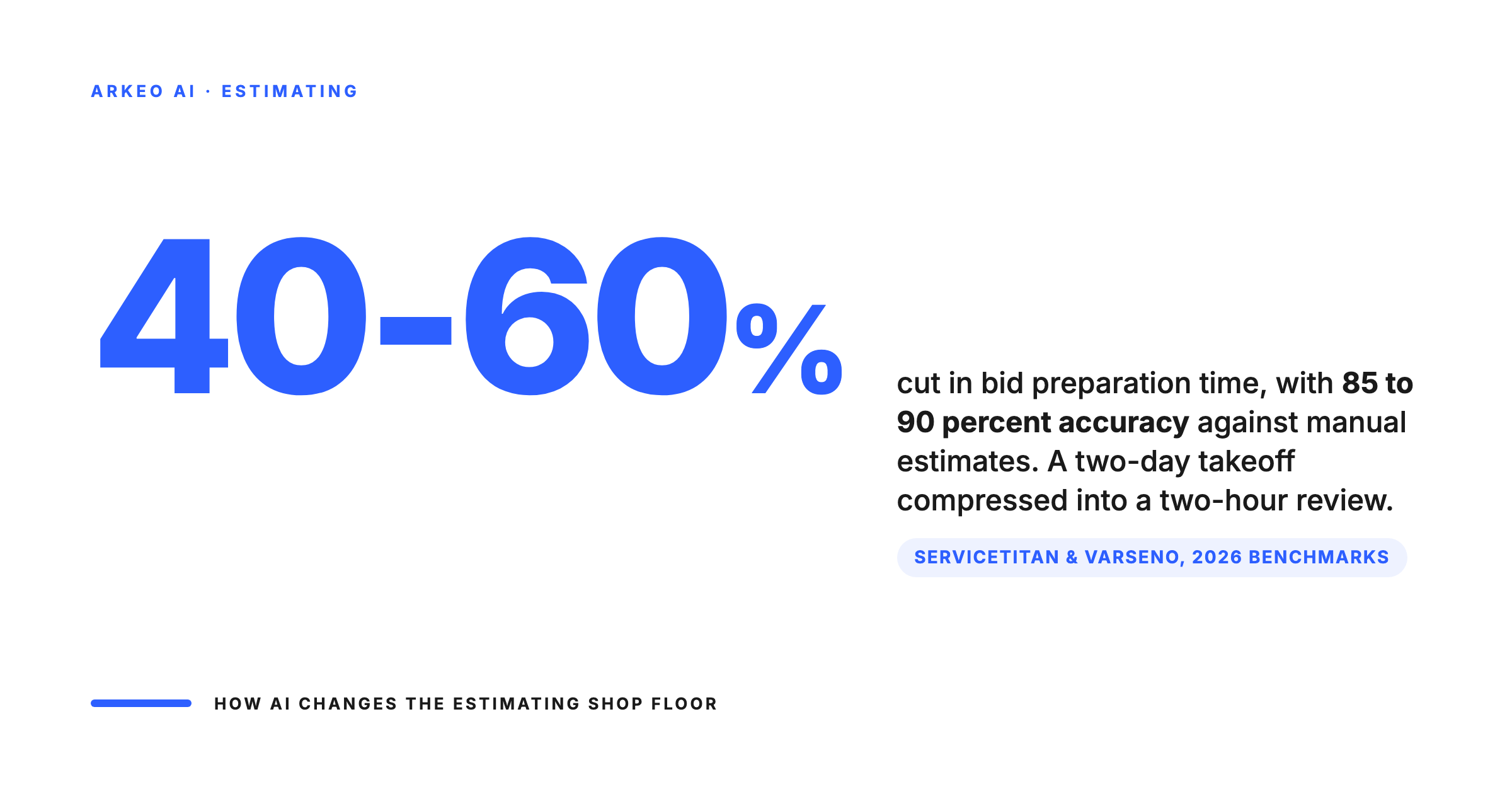
Your estimator spends two days on a takeoff. The AI does the first pass in 20 minutes. That is not a pitch from a software demo. That is the reality for the 24% of construction firms that now use AI for cost estimation (ServiceTitan 2026). AI for construction estimating uses computer vision and machine learning to read architectural drawings, detect and measure building components, generate quantity takeoffs, and produce baseline cost estimates, cutting bid preparation time by 40-60% while achieving 85-90% accuracy compared to manual methods.
But accuracy numbers on a vendor's website and accuracy on your actual project drawings are two different things. This guide covers what AI estimating tools actually do, where the accuracy claims hold up, where they break down, and how to evaluate whether the investment makes sense for your firm. (For the broader picture of how AI is transforming construction beyond estimating, see our complete guide to AI in construction.)
⚡ Quick Answer
- What it does: AI reads blueprints and drawings, automatically detects building components, measures quantities, and generates baseline cost estimates for human review.
- Speed gain: Bid preparation time reduced by 40-60% (Varseno 2026). A two-day takeoff becomes a two-hour review.
- Accuracy: 85-90% compared to manually prepared estimates (ServiceTitan 2026). Vendor claims go higher (93-98%), but real-world performance varies by drawing quality and trade complexity.
- Adoption: 24% of construction firms now use AI for estimating, 22% for bid management. Adoption doubled in the past year.
- Best for: High-volume bidders (10+ bids/month) and firms where estimating is the bottleneck to growth.
- Next step: Book a free AI Assessment to find out where AI fits in your operation.
How AI Construction Estimating Works
The core technology is computer vision. AI reads digital drawings (PDFs, CAD files, BIM models) the same way a human estimator does, but at machine speed. It identifies building elements: walls, doors, windows, floor areas, ductwork, piping, electrical runs. It measures them. It counts them. Then it matches those quantities against unit cost databases to generate a baseline estimate.
The process typically follows four steps:
Step 1: Drawing ingestion. Upload your plan set (PDF, DWG, or IFC). The AI processes every sheet, identifies drawing types (floor plans, elevations, sections, details), and creates a structured model of the project.
Step 2: Automated detection and measurement. Computer vision algorithms identify and measure every component the system is trained to recognise. Modern tools detect walls, openings, rooms, floor areas, pipe runs, duct routing, and electrical symbols. The output is a digital takeoff with quantities attached to each element.
Step 3: Cost estimation. Detected quantities get matched against cost databases. Most platforms use a combination of RS Means data, regional cost indices, and (for more advanced systems) your own historical project costs. The result is a preliminary cost estimate broken down by trade, division, or CSI MasterFormat section.
Step 4: Human review and refinement. This is where the estimator adds judgment. The AI handles the volume work (measuring 200 wall segments, counting 85 doors, calculating 12,000 square feet of flooring). The estimator focuses on the exceptions: unusual conditions, scope clarifications, sub-contractor pricing adjustments, and risk factors the AI cannot see from the drawings alone.
Where your drawings, takeoffs, and pricing live during the estimating loop
The faster path is cloud. The defensible path for sensitive contracts and competitive bid strategy is private. Most firms eventually run a mix.
Sent to vendor infrastructure
Stays in the office
The workflow shift is significant. Instead of the estimator doing every measurement by hand and then applying costs, the estimator is reviewing and refining an AI-generated baseline. The work changes from data entry to quality assurance. For most firms, that is a better use of an experienced estimator's time.
The Accuracy Question: What the Numbers Actually Mean
Most firms think AI estimating accuracy is a single number. It is not. Accuracy varies dramatically depending on three factors: drawing quality, trade complexity, and how much of your historical data the system can learn from.
ServiceTitan's 2026 industry report found that automated estimating systems achieve 85-90% accuracy compared to manually prepared estimates. Togal.AI claims 93% of the takeoff process automated with 97% accuracy. BLDON makes similar claims.
Here is what those numbers mean in practice:
High accuracy (90%+): Straightforward commercial builds with clean, current drawing sets. Standard wall assemblies, regular floor plans, well-documented specifications. If the building is mostly rectangular rooms with standard finishes, AI gets close to what your estimator would produce.
Moderate accuracy (80-90%): Multi-trade commercial or industrial projects with some complexity. Mixed structural systems, irregular geometries, or drawings that reference separate specification documents. The AI gets the major quantities right but misses conditions that require reading spec sheets or understanding construction sequence.
Lower accuracy (70-80%): Renovation projects with as-built drawings, industrial facilities with complex mechanical systems, or any project where the scope is partially defined in documents the AI cannot read (emails, meeting notes, addenda). These still save time on the measurable portions, but require more human oversight on the output.
The blunt truth: vendor accuracy claims are tested on their own demo drawings. Your drawings will be messier, older, and less standardised. Plan for 80-85% accuracy on your first projects and expect improvement as the system learns your drawing standards and project types. A 10-15% accuracy gap still saves you 40-60% of the time. The math works because the AI handles the volume work, and your estimator catches the exceptions faster than doing everything from scratch.
Where AI estimating hits its ceiling and where the estimator still has to catch the exceptions
Vendor demos quote 93 to 98 percent accuracy. The number you should plan around depends on what you actually estimate. The math still works because the AI handles the volume and your estimator catches the exceptions faster.
New build, repeat trades, clean drawings. Computer vision lines up cleanly with the spec book.
Multi-trade interactions, unusual conditions, custom assemblies. Estimator catches the exceptions.
Existing conditions, partial drawings, scope ambiguity. Human review is non-negotiable.
Where AI Estimating Delivers the Most Value
Not every estimating workflow benefits equally from AI. The highest-impact applications share a common pattern: high volume, repetitive elements, and measurable output.
Quantity takeoffs from 2D drawings. This is the killer application. Measuring walls, counting doors and windows, calculating floor areas, tallying electrical symbols, tracing pipe runs. These tasks are time-intensive, error-prone when done manually across hundreds of sheets, and perfectly suited for computer vision. AI tools cut this step by 40-60%.
Bid volume scaling. A mid-size GC that can only estimate 8-10 projects per month due to estimator capacity can push that to 15-20 with AI handling the first-pass takeoff. More bids submitted means more projects won. For firms where estimating is the bottleneck to growth, this is the primary ROI driver.
Historical cost calibration. The most advanced AI estimating systems learn from your past projects. Feed them your completed project data (actual costs vs estimates, change orders, final reconciliations) and the system builds a cost model specific to your market, your trades, your typical project scope. After 50+ projects, the system's cost predictions start reflecting your actual experience, not just generic RS Means data.
Change order analysis. When a scope change hits mid-project, AI can quickly re-run the affected portions of the estimate and quantify the cost impact. What used to be a two-day exercise for a change order on a complex project becomes a two-hour review.
Multi-project comparison. AI aggregates estimating data across your portfolio, identifying patterns: which project types consistently overrun, which trades are persistently under-estimated, where your margin leaks. This cross-project intelligence is strategic, not just operational.
How Much Time Would AI Save Your Estimating Team?
Book a free 30-minute AI Assessment. We will review your current bidding workflow, estimate the time savings, and identify whether cloud tools or a private deployment makes more sense for your data.
The Data Security Angle Most Vendors Ignore
Every time your estimator uploads drawings to a cloud AI estimating tool, your bid data leaves your network. That includes floor plans, specifications, quantities, and (if the tool does cost estimation) your pricing strategy and margin assumptions.
For most residential and light commercial work, this is an acceptable trade-off. The data sensitivity is low, and the convenience of cloud tools outweighs the risk.
For firms bidding on government contracts, institutional projects, or industrial facilities with proprietary processes, it is a different calculation. Many public sector contracts include data residency requirements. Some industrial clients require that project documents not be processed on third-party cloud servers. And if your estimating AI is learning from your historical data, your cumulative pricing intelligence is sitting on someone else's infrastructure.
Private AI deployment addresses this by running the estimating models on your own hardware. The drawings, the takeoffs, the cost data, and the learned pricing patterns never leave your building. The investment is higher upfront ($79,000-335,000 for a production cluster), but it breaks even against cloud API costs in as little as 4 months at steady usage and eliminates the data exposure entirely.
For high-volume estimating operations processing 50+ drawing sets per month, the economics of private deployment are compelling on cost alone, before you factor in the data security advantage.
High-volume estimators are the firms with the most to gain from private deployment
Cloud tools are fine for a one-off pursuit. The economics flip the moment you are running 30 or more drawing sets a month against trades you bid all the time.
Low volume
Under 10 drawing sets per month. Cloud tools are usually the right answer at this scale.
Mid volume
10 to 30 drawing sets per month. Hybrid. Cloud for one-off pursuits, private for repeat trade work.
High volume
30+ drawing sets per month on repeat trades. Private deployment pays back in months, compounds on your data.
What AI Estimating Cannot Do (Yet)
Understanding the limitations is as important as understanding the capabilities. AI estimating tools in 2026 still have significant gaps:
They cannot read the room. A pre-bid site visit reveals conditions no drawing captures: restricted access, existing hazards, logistical constraints, the state of the existing building on a renovation. AI works from documents. Judgment comes from experience and observation.
They struggle with specifications. Most AI estimating tools are optimised for drawing analysis, not spec document interpretation. If a critical material requirement is buried in Section 09 of the spec book, the AI will likely miss it. Specification review remains a human task.
They cannot price risk. Contingency, escalation, schedule risk, subcontractor reliability: these require judgment that no AI system can currently replicate. The estimator's experience with a particular client, subcontractor, or project type is information the AI does not have.
They are only as good as the drawing quality. Scanned PDFs with low resolution, hand-drawn markups, inconsistent layering in CAD files, or drawings that reference external details without including them all reduce accuracy. If your typical project involves messy drawings, expect more time spent on the review step.
They do not eliminate the estimator. They change the job from data entry to quality assurance. The firms that treat AI as a replacement for estimating talent end up with more errors, not fewer. The firms that treat it as a force multiplier for their best estimators win more work with better margins.
How to Evaluate AI Estimating Tools
If you are evaluating AI estimating software for your firm, here is a practical framework:
Test on your drawings, not the vendor's demo. Every vendor demo uses clean, well-structured drawings. Your actual project drawings are the only valid test. Ask for a trial period and run 3-5 of your real projects through the system. Compare the AI output against your estimator's manual takeoff on the same project.
Measure time savings on the full workflow. The takeoff is only one part of the estimating process. How long does it take to upload, configure, review, correct, and export? If the AI saves 4 hours on the takeoff but adds 3 hours of fiddling with the platform, the net gain is minimal.
Check integration with your existing tools. If you use ProEst, Sage, or another estimating platform, the AI tool needs to export in a format you can import. Manual re-entry of AI-generated quantities defeats the purpose.
Ask about learning capability. Does the system improve over time? Can you feed it your historical project data? A tool that learns from your past projects will be far more valuable after 6 months than a static system with generic cost databases.
Evaluate data handling. Where is your data stored? Who has access? Can you delete it? For firms handling sensitive bid information, this is not a technical detail. It is a business risk question.
Need Help Evaluating AI for Your Estimating Workflow?
Arkeo works with construction firms to evaluate, deploy, and manage AI systems for estimating, project management, and operations. Whether you need a cloud tool recommendation or a private deployment, we will help you make the right choice for your data and your budget.





