Category
What Is AI Workflow Automation?
Last updated: May 2026
You have a workflow that eats hours every week. Quotes get retyped between systems, invoices wait on a manual match, support tickets sit in a queue until someone reads them. The work is repetitive, but it is not quite mechanical, because each case needs a small judgment call before the next step. That gap, where a fixed rule cannot decide on its own, is exactly where AI workflow automation fits. Arkeo has spent three years building these systems in live operations, and the pattern that holds up is far simpler than the marketing around it.
This is not a fringe idea. Gartner forecast in August 2025 that task-specific AI agents will sit inside 40 percent of enterprise applications by 2026, up from less than 5 percent in 2025. McKinsey's 2025 global survey found that 88 percent of organizations already use AI in at least one business function. The category is mainstream now, which is why a clean, honest definition matters more than hype.
Quick Answer
• Definition: AI workflow automation uses AI to run a whole business workflow, reading inputs, deciding, acting across systems, and routing to a person for review.
• How it works: Inputs feed a decision step that blends fixed rules with AI judgment, the system takes actions in your tools, and a human checkpoint catches edge cases.
• Where it's used: Operations, admin, and finance, where high-volume work needs interpretation before the next step.
• Why it matters: It removes repetitive judgment work, but it only pays off when the workflow is worth automating and someone owns it.
What Is AI Workflow Automation?
AI workflow automation is the use of AI to run a business workflow end to end: reading inputs, making or recommending decisions, taking actions across systems, and routing to a human for review, rather than executing a single fixed rule. Put plainly, it is automation that can interpret and decide, not just trigger.
The distinction is the whole point. Traditional automation follows a script. If a form is submitted, send an email. If a field equals a value, move the record. Those rules are useful, but they break the moment a case does not match the template. AI workflow automation handles the messy middle: it reads an unstructured email, infers what the customer actually wants, checks it against your policies, and routes or resolves it. Then it hands the unusual cases to a person instead of guessing.
This post stays focused on the definition and a mental model you can carry into any vendor conversation. If you would rather see where it fits your own operation, start with the free AI Assessment, which scores your real workflows before you commit to anything.
How Does AI Workflow Automation Work?
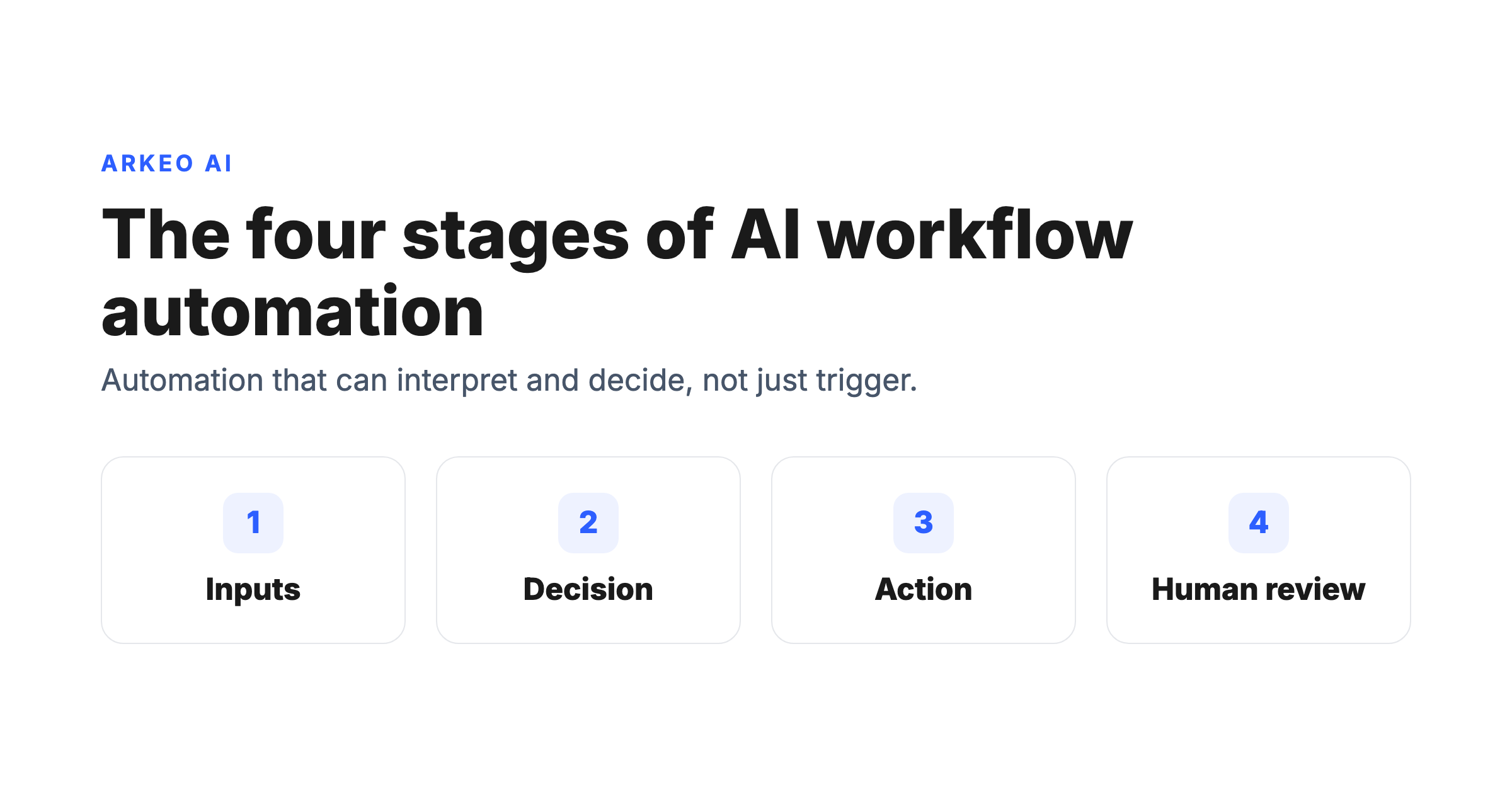
Underneath the marketing, every real implementation follows the same four-stage loop. Hold this model in your head and you can evaluate any tool that calls itself AI automation.
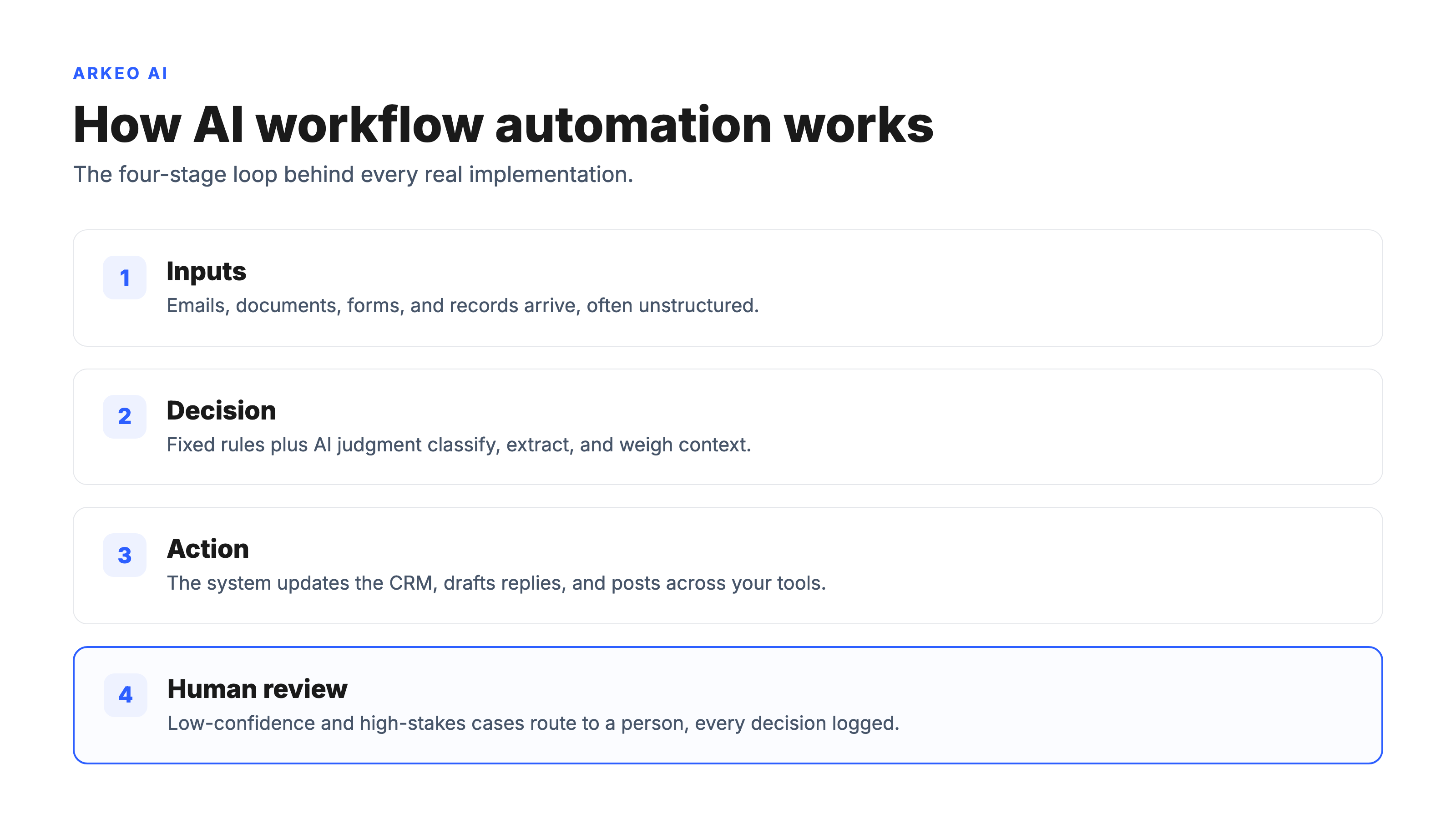
1. Inputs. The workflow starts with data: an email, a PDF, a form, a row in a database, a Slack message. AI is good here because the inputs are often unstructured, the exact thing fixed rules choke on.
2. Decision. This is the stage that separates AI automation from a macro. The system blends deterministic rules (your policies, thresholds, and approvals) with AI judgment (classifying intent, extracting fields, weighing context). The rules keep it safe; the AI handles the ambiguity.
3. Action. The system then does something across your tools: updating a CRM, drafting a reply, creating an invoice, posting to a ledger, opening a ticket. This is where the time savings actually land, because the work moves without a person retyping it.
4. Human review. The honest part. Good AI automation routes low-confidence or high-stakes cases to a person, and logs every decision so you can audit it. Skip this stage and you are not automating a workflow, you are removing the brakes.
See where AI fits your operation
The free assessment maps your real workflows, scores which ones are worth automating, and shows where a human checkpoint has to stay in the loop.
Book Your Free AI Assessment →
Is AI Workflow Automation Just a Chatbot?
Most teams assume a chatbot qualifies as AI workflow automation. It does not. A chatbot answers a question and stops. AI workflow automation acts: it reaches into your systems, changes records, triggers downstream steps, and keeps a human checkpoint for the cases that need one. A chatbot is a conversation; workflow automation is an outcome. Because that reach touches live records and regulated data, Arkeo deploys it on-premise or as private AI when the data cannot leave a business, so the workflow runs inside your own infrastructure rather than a vendor's cloud.
The other honest caveat is cost. Defining the term cleanly is easy; making it pay is not. Automation only earns its keep when the workflow is high-volume enough to matter and when a named person owns the system, watches the review queue, and fixes it when it drifts. Gartner predicted in June 2025 that more than 40 percent of agentic AI projects will be canceled by the end of 2027, mostly because they were pointed at workflows that were never worth automating. The technology rarely fails; the targeting does.
Where Do Businesses Use AI Workflow Automation?
The strongest fits share a profile: high volume, repetitive, and gated by a small judgment call. Three areas come up again and again.
| Function | Typical workflow | What the AI handles |
|---|---|---|
| Operations | Order intake, scheduling, ticket triage | Reads the request, classifies it, routes or fulfills it, escalates the odd case |
| Admin | Document handling, data entry, inbox sorting | Extracts fields from unstructured documents and files them into the right systems |
| Finance | Invoice matching, expense review, AP routing | Matches records, flags exceptions, sends clean items forward and holds the rest for review |
None of these replace a team. They remove the repetitive judgment work that buries a team, so the people can spend their hours on the exceptions and the relationships. McKinsey's 2025 survey found that 62 percent of organizations are at least experimenting with AI agents, and that high performers are roughly 2.8 times more likely to redesign the workflow itself rather than bolt AI onto a broken process. That redesign is the difference between a tool and a result.
AI workflow automation is not magic, and the systems break. They drift, hit edge cases, and need an owner. On a typical accounts-payable workflow of a thousand invoices, the decision stage will quietly misclassify a vendor match a handful of times, and only the human review checkpoint catches it, which is why that stage is not optional. Arkeo brings 25 years of operating businesses to the judgment about which work is worth automating, three years of deploying agents into live operations, and uses what it sells, so the four-stage model above is not a slide-deck diagram; it is what survives contact with real workflows.
What Should You Read Next?
Now that the definition is clear, the practical question is whether automation fits your operation and which workflow to start with. Two next steps depending on where you are.
If you already feel the workflow pain, start with the pillar guide on AI workflow automation for the full strategy, then look at concrete AI workflow automation examples to see the pattern applied. If you are weighing agent-led approaches, the breakdown of agentic AI workflow automation goes a layer deeper on autonomy and control.
Find the workflow worth automating
The free assessment scores your workflows, names the one to start with, and tells you honestly where AI does not belong yet.
Book Your Free AI Assessment →





