Category
Custom AI Agents for Business: A Buyer's Guide
Last updated: May 2026
You already know where your business loses hours every week. It is the quote that sits in a sales rep's inbox for two days, the month-end finance review that pulls three people off real work, the operations report that someone rebuilds by hand every Monday. Arkeo was founded in 2023 by operators with 25 years of running real businesses, has spent the last three years deploying AI agents in production, and runs the same agents internally that it builds for clients. We use what we sell, and that is why the next paragraphs sound less like a brochure and more like a buyer's field guide. Generic AI tools help around the edges, but they do not touch the systems where that work actually lives. That gap is exactly what custom AI agents for business are built to close, and it is also where most buying decisions go sideways.
The market is moving fast enough that the question is no longer whether to act. In its 2025 AI Agent Survey of 308 US executives, PwC found that 79 percent of companies are already adopting AI agents, and 66 percent of adopters report measurable value through productivity gains. The harder question is what you should buy, from whom, and how to tell whether it will pay off. The pattern that separates wins from waste is consistent: fit beats features every time.
Quick Answer
• What they are: AI agents built for one company's specific bottleneck workflows, cross-system tasks, and approval steps, not a generic chatbot.
• When to buy custom: when the work spans your CRM, ERP, or finance systems, touches sensitive data, and clears an economic bar a generic tool cannot.
• What it costs: a scoped single-workflow agent typically runs about 15,000 to 40,000 dollars and 6 to 10 weeks to production.
• Where to start: a free AI Assessment maps your first agent and the 90-day path to deployment.
What do businesses actually need custom agents for?
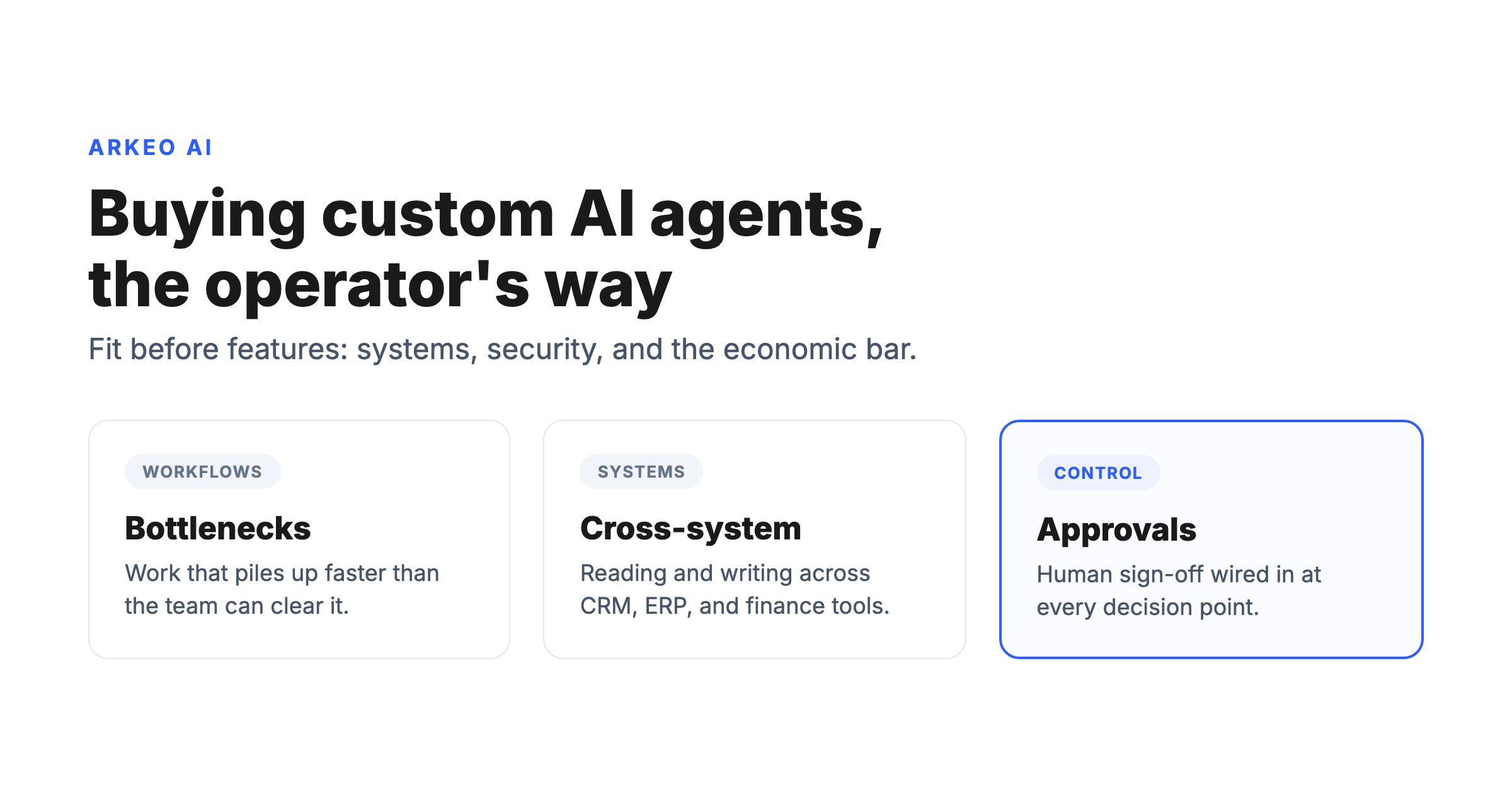
A custom AI agent for business is software built to run a specific company workflow end to end, with direct access to the systems that workflow depends on. It is not a smarter search box. It reads from your tools, takes action inside them, and stops at the points where a human needs to approve. Three kinds of work justify the build.
The first is bottleneck workflows: the steps where volume piles up faster than your team can clear it. Inbound lead routing, invoice coding, support triage. A generic assistant can draft a reply, but it cannot pull the account record, check the contract terms, and update the system of record without being told every time. A custom agent does that on its own.
The second is cross-system work: tasks that require pulling data out of one tool, reconciling it against another, and writing the result into a third. This is where off-the-shelf tools fail hardest, because they live inside a single application and have no reliable bridge to the rest of your stack.
The third is approval-dependent tasks: work that must pause for a human decision before it completes. A discount over a threshold, a payment above a limit, a contract clause that needs legal eyes. A serious custom agent is designed around those checkpoints rather than pretending they do not exist.
Most businesses think the choice is custom versus nothing. It is not. The real choice is custom versus generic, and the honest answer is that generic wins more often than vendors admit. If your work fits inside one tool and never crosses a security or volume line, you probably do not need a custom build. Custom earns its cost only when the work genuinely spans your systems.
What do real custom AI agents for business look like?
Abstract descriptions do not help a buyer. Concrete workflows do. Below are four common engagements, the systems each agent touches, and the outcome a business should expect. This is the asset to bookmark before any vendor conversation, because it forces the discussion onto specifics.
| Workflow | System touchpoints | Outcome |
|---|---|---|
| Sales ops: enrich and route inbound leads | CRM (HubSpot, Salesforce), enrichment APIs, email | Leads scored, assigned, and followed up within minutes instead of hours |
| Inbox and admin: triage and draft responses | Email, calendar, shared drives, ticketing | Routine requests handled or pre-drafted; humans focus on judgment calls |
| Finance review: invoice and expense checks | ERP, accounting software, document store | Exceptions flagged for approval; clean items processed without manual coding |
| Operations reporting: weekly status rollups | ERP, project tools, spreadsheets, BI dashboards | Reports assembled and distributed automatically; analysts stop rebuilding them |
Notice what every row has in common. Each agent owns a workflow, names the systems it touches, and produces a defined outcome. If a vendor cannot describe your engagement in those three terms, the scope is not real yet, and neither is the price.
See where a custom agent fits your operation
The free AI Assessment maps your highest-value bottleneck workflow and the systems an agent would need to touch, so you walk in knowing exactly what to scope.
Book Your Free AI Assessment →
When a custom build beats a generic copilot, and when it does not
Custom is the right answer surprisingly often, but not always. The fork is mostly about data sensitivity, system reach, and economic threshold. Both can live in the same firm.
Common, mainstream, low-judgment
Owned data, judgment, system reach
How do you know whether custom beats generic?
There are three tests, and a serious build clears all three. Miss any one and you are usually better off with an off-the-shelf tool and a good prompt library.
System fit. Does the work actually live across your tools? If the agent needs to read from your CRM, check your ERP, and write to your finance system, generic tools cannot reach all three reliably. That is the clearest signal that custom is warranted. If the work fits inside one application, custom is overkill.
Security fit. Does the workflow touch data you cannot send to a public model? Customer records, financials, contracts, anything regulated. This is where many businesses get blindsided. Sending that data through a consumer AI tool is not a workflow decision, it is a governance decision. Arkeo deploys on-premise and private AI specifically so sensitive workflows never leave your control. If your data has to stay inside your walls, generic is off the table by definition.
Economic fit. Does the workflow clear an economic bar? A custom agent earns its keep only when it returns more than it costs to build and run. As a rough operator benchmark, generic seat-based tooling often runs around 30 dollars per user per month, while a scoped custom agent runs about 15,000 to 40,000 dollars to build. Custom wins when the hours recovered, the errors avoided, or the revenue accelerated clearly exceed that build cost inside a year. If the math is close, start smaller.
Here is the blunt truth no vendor prints in a brochure: agents break. Systems change their APIs, edge cases appear that nobody scoped, and an agent that ran clean in month one will throw errors in month four. That is normal, and it is exactly why the build cost is only part of the equation. You are buying ongoing reliability, not a one-time delivery.
Picture a distributor whose accounts-receivable team wants an agent to chase overdue invoices across the ERP and email. On paper it is a clean six-week build. In practice the timeline slips: read-only access to the ERP turns out to require a vendor change request that nobody on the project had documented, and the credential approval sits with a finance manager who is on leave for two weeks. Then the team discovers the customer-contact field they assumed was current is half-populated with stale addresses, so the first week of the build goes to data cleanup nobody scoped. None of that means the project failed. It means a serious partner expects the messy parts and builds the schedule and the budget to absorb them, rather than promising a frictionless launch that real systems never deliver.
What should you ask before you buy?
The questions you ask in the first meeting predict whether the engagement succeeds. Use the checklist below as your screening tool. A delivery partner who answers all four crisply is worth your time. One who deflects on data access or long-term support is not.
1. Data access
What exactly does the agent need to read and write, and where does that data live while it is being processed? If the answer involves sending sensitive records to a public model, stop and ask about a private deployment.
2. Workflow owner
Who on your team owns the workflow the agent runs, and who signs off on its decisions? An agent without a named human owner drifts and eventually gets switched off.
3. Success metrics
What number proves the agent worked? Hours recovered, response time cut, error rate dropped. If success cannot be measured, the engagement cannot be evaluated, and renewal becomes a guess.
4. Long-term support
Who maintains the agent when a system updates or a workflow changes? Because agents break, ongoing support is not an upsell, it is the difference between an asset and abandonware.
For a wider view of how agents fit into a broader operating strategy, the pillar guide to AI agents for business covers the categories and use cases in depth. This guide stays narrow on purpose: the buying decision.
What does a successful rollout look like?
A credible delivery partner does not promise a finished system on day one. Arkeo runs a staged path because that is what survives contact with a real business. The diagram below shows the shape of it.
Three milestones that gate a custom agent rollout
Custom agents look heavy on paper. The teams that ship them treat the first 30 days as a setup, the first 90 days as a proof, and the next twelve months as architecture work. Skip any milestone and the project slides into pilot purgatory.
30-day easy wins
Off-the-shelf agent or scoped workflow shipped. Trust built with the operating team. Baseline measured.
90-day first custom agent
Custom agent in production on the first owned workflow. Integrated to CRM, ERP, or finance. Payback measurable.
12-month architecture
Cross-functional agent network. Private deployment for sensitive workflows. The moat takes shape.
30 days: easy wins. Before any custom agent is built, the first month is about mapping your bottlenecks and capturing fast value with prompts and off-the-shelf tools. This is where you confirm the workflow is worth automating and the team is ready to adopt it. No serious money is committed until this phase proves the case.
90 days: first custom agent in production. The second phase scopes, builds, and ships your highest-value custom agent into live use. This is the 6-to-10-week build window in practice, with the agent running a real workflow against real systems, its approval checkpoints wired in, and its success metric tracked from day one. You are not in a pilot that never ends. You have a working agent.
12 months: architecture. By the one-year mark, the goal is not a pile of disconnected bots. It is a coherent architecture, the Arkeo Operating System layered onto your business, where each agent shares context and governance and the next build gets cheaper because the foundation already exists. Enterprise AI agents follow this same arc at larger scale.
This staged approach reflects how Arkeo runs the Arkeo Operating System inside its own walls before recommending it to anyone else. The market is heading the same direction. Deloitte predicts that 25 percent of enterprises using generative AI will deploy AI agents in 2025, rising to 50 percent by 2027, and in the same survey cited above, PwC reports that 88 percent of executives plan to increase AI budgets specifically because of agentic AI. Broader adoption is following: the Stanford HAI 2025 AI Index found that 78 percent of organizations reported using AI in 2024, up from 55 percent the year before. The companies that get there cleanly are the ones that scoped fit before features.
If you want the distinction between a tailored single-workflow build and a broader program, the companion guide on custom AI agents goes deeper on the build itself. The point of this guide is simpler: know what you are buying, and why.
Map your first custom agent in one session
The free AI Assessment turns this buying logic into a concrete plan: your highest-value workflow, the systems it touches, the success metric, and the 90-day path to production.
Book Your Free AI Assessment →
Three questions to ask any custom-agent vendor before signing
Vendors will answer feature questions all day. The three below are the ones that decide whether the agent actually ships and pays back. Insist on concrete answers, not gestures.
Whose data does the agent train on?
If the answer involves any pooled or shared training across customers, your competitive intelligence is the cost of the deal.
How do you handle a confident wrong answer?
Listen for the words "human review", "confidence threshold", "rollback". If they are missing, the controls layer is not built.
What happens at 3 am when the agent fails?
Support model, on-call coverage, escalation path. The fifth control layer most vendors skip past.





