Category
How to Make Custom AI Agents for Your Team
Last updated: June 2026
If you sit at a $10M to $200M company and the question on your desk is which team makes the first custom AI agent and how the work gets divided, the trap waiting for you is treating the build as an IT project. Hand it to IT alone and the agent ships against IT's mental model of the workflow, which is almost never what the workflow actually does. Hand it to the workflow owner alone and the architecture, security, and audit work pile up unfixed. The build needs five roles, named from day one, with a clear handoff between them. This guide is the operator view of how to make custom AI agents for your team: the five roles inside the build, how the work redistributes across them, the role-by-role deliverables, and the handoff pattern that ships in a quarter.
Arkeo has been deploying custom AI agents on its own operations since 2023, on 25 years of running mid-market businesses, and on a private, on-premise stack so client data never leaves the building. Stated as fact: we use what we sell. The Stanford HAI 2025 AI Index reported 78% of organizations used AI in 2024, up from 55% the year before (Stanford HAI, 2025).
Quick Answer
• What it is: Making a custom AI agent for your team means dividing the build across five roles: workflow owner, integration engineer, security reviewer, operator validator, build partner.
• Where teams fail: Naming only one role. The workflow owner alone or IT alone both produce pilots that do not reach production. The roles divide cleanly only when named from day one.
• Time to live: 90 days from greenlit workflow to production on standard cloud, 100 to 120 days for private.
• Cost: A scoped single-workflow build runs $15,000 to $40,000.
• Next step: The free AI Assessment names the team roles and the first agent worth making.
How Do You Make Custom AI Agents for a Team Rather Than for IT?
Making a custom AI agent for your team means dividing the build across five named roles: the workflow owner inside the business, the integration engineer, the security reviewer, the operator validator, and the build partner. Each role owns a part of the build that the others cannot fill, and each has a deliverable the next role depends on. The mid-market mistake that recurs: treating the build as an IT project handed to one person, or treating it as a workflow project handed to a non-engineer. Both produce pilots that do not reach production.
Capgemini's data on 14% of organizations with any AI agent in production (Capgemini, 2025) concentrates on builds with one or two roles instead of five. PwC's data on 66% of agent adopters seeing measurable productivity value (PwC, 2025) concentrates on builds with all five roles named from day one.
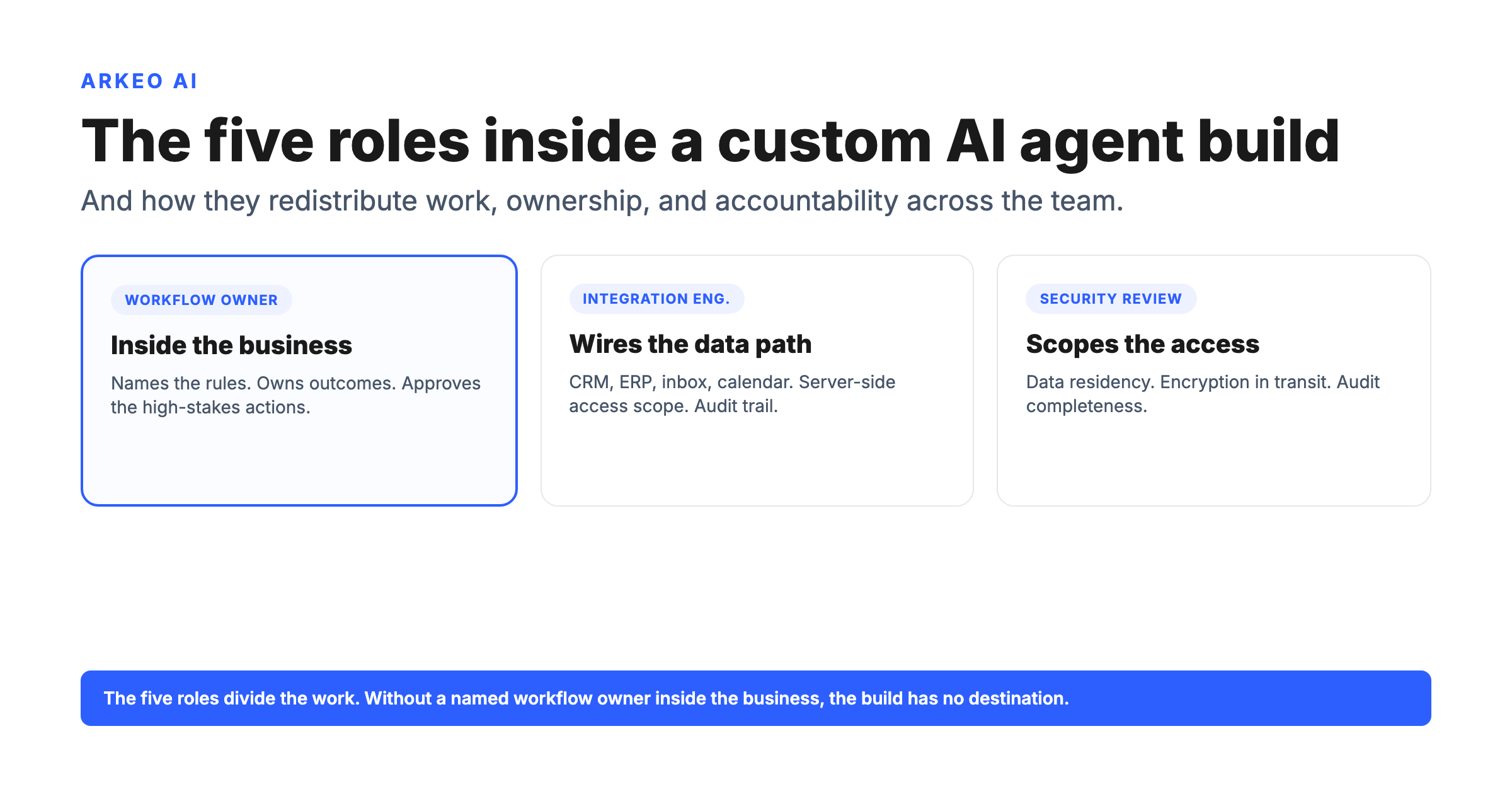
THE FIVE ROLES
Five roles inside a custom AI agent build
Each role owns a deliverable the next role depends on.
ROLE 01
Workflow owner (inside the business)
Names the rules, the exceptions, the definition of done, the approval logic, the dollar return per recovered hour. Owns outcomes. Approves the high-stakes actions in production. Without this role named, the build has no destination.
ROLE 02
Integration engineer
Wires the data path. Connects the CRM, ERP, inbox, calendar, and the workflow tool. Sets server-side access scope. Implements the audit trail capture. Tests the system-to-system integrations against real production load.
ROLE 03
Security reviewer
Scopes the agent's access at the system layer. Reviews data residency, encryption in transit, and audit-trail completeness. Signs off on deployment environment (public cloud, private cloud, or on-premise) before launch.
ROLE 04
Operator validator
Runs the 30-day pilot. Compares agent decisions against human decisions on the same workflow. Surfaces drift, edge cases, and approval-gate gaps. Reports against stated metrics: hours returned, response time, error rate, ROI.
ROLE 05
Build partner
External team that runs the Assess, Deploy, and Manage cycle. Brings the architecture experience the internal team does not have to acquire for one build. Hands off the manage layer to internal ownership when the internal team is ready.
Five roles, named from day one. Each has a deliverable. The role-by-role handoff is the difference between a build that ships and a pilot that does not.
Name your team before you make your first agentThe free AI Assessment names the five roles for your first build and the workflow worth making the agent on.
Book Your Free AI Assessment →
Want a walk-through against your own workflow? The free AI Assessment runs this framework on your data.
How Do the Roles Hand Off Across the Four-Step Build Path?
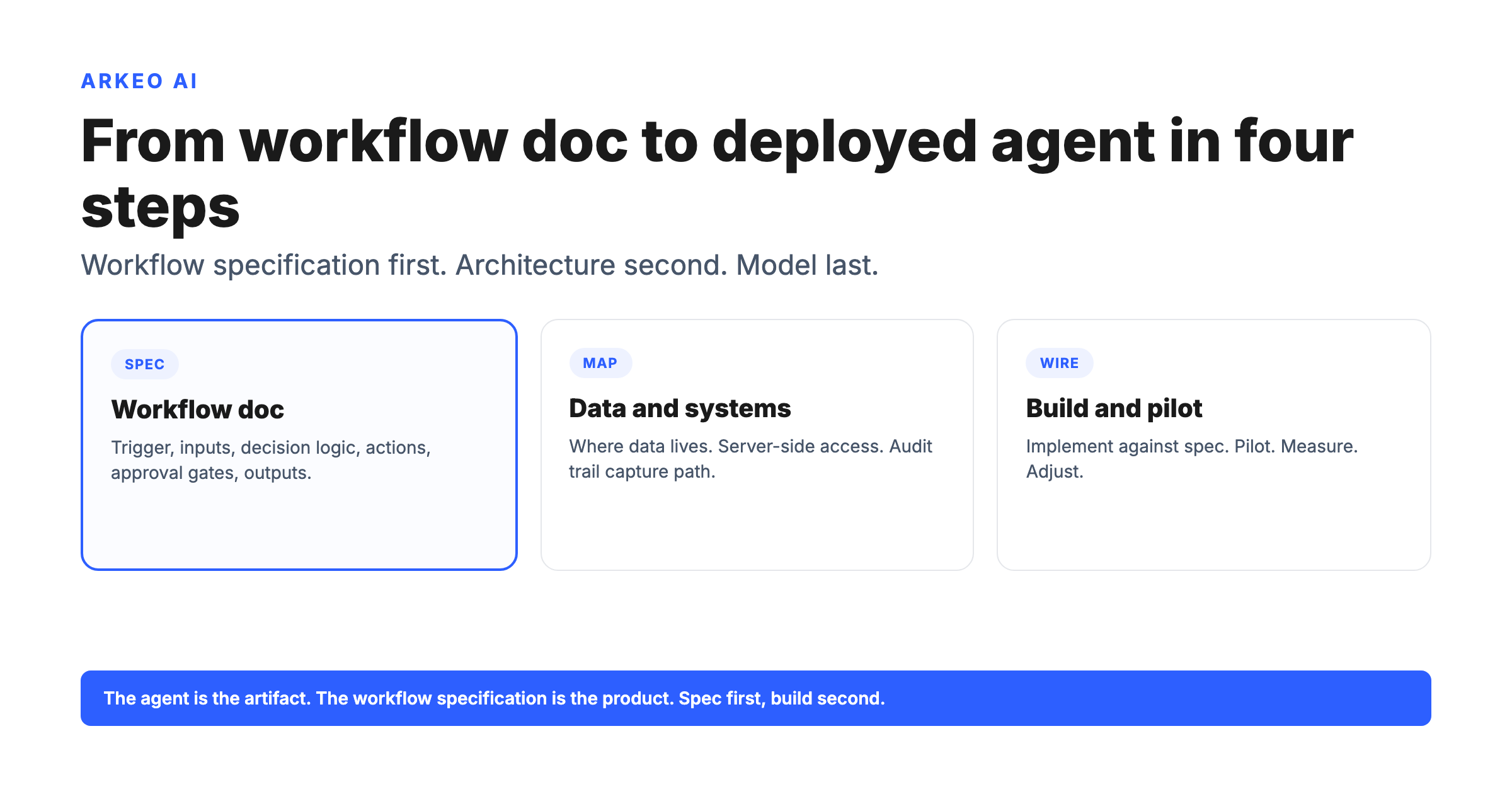
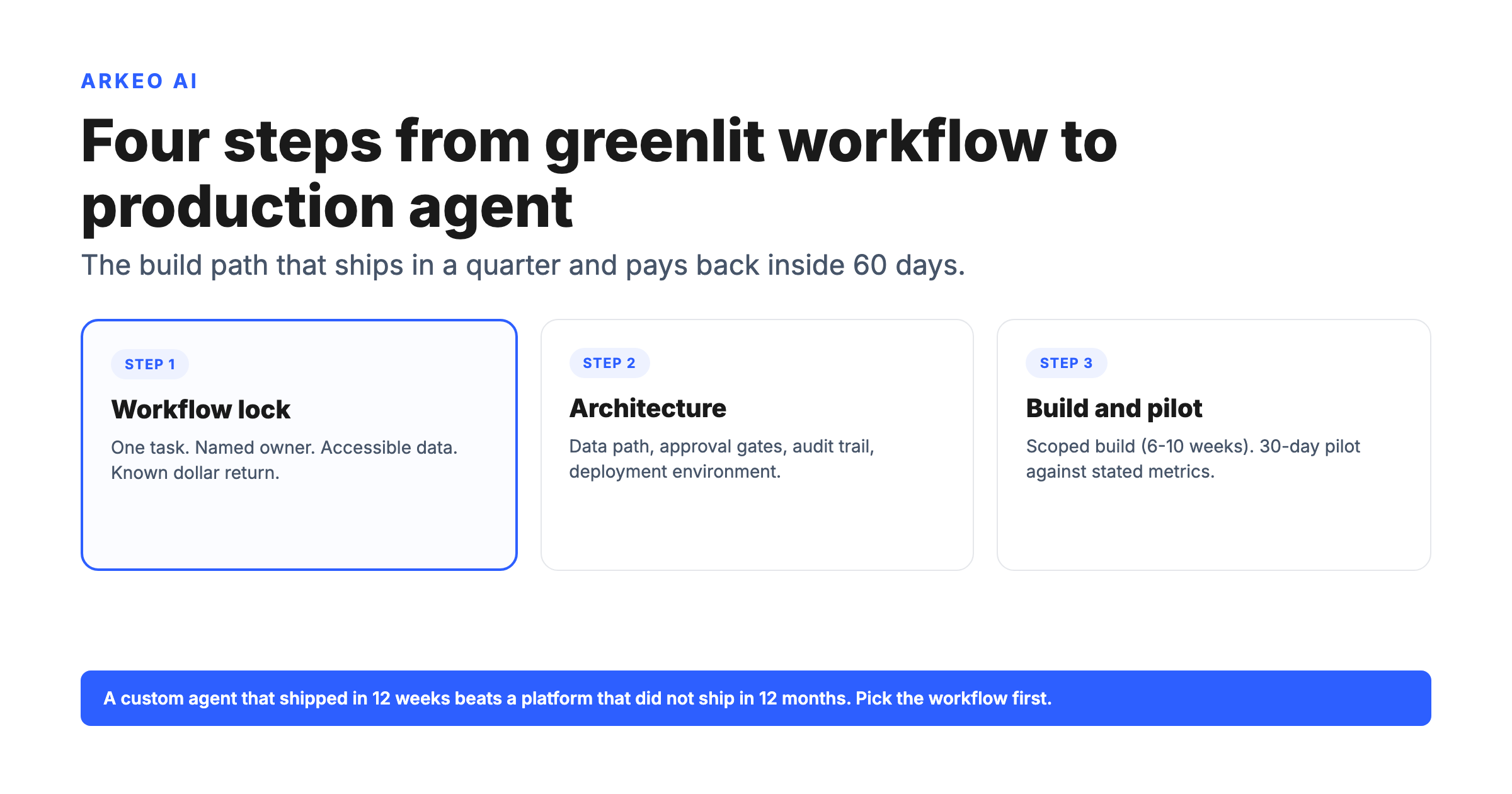
The five roles map onto the four-step build path. Each step has a primary owner and one or two supporting roles. The handoff between steps is where most failures happen.
STEP 01
Pick the workflow → workflow owner leads
Workflow owner specifies the trigger, inputs, decision logic, actions, approval gates, success metrics. Build partner sanity-checks the spec for buildability. Integration engineer maps the source systems.
STEP 02
Lock the architecture → integration engineer leads
Integration engineer designs the data path. Security reviewer scopes access and reviews data residency. Workflow owner signs off on approval gates and the deployment environment.
STEP 03
Build, pilot → integration engineer + operator validator
Integration engineer ships the scoped build in 6 to 10 weeks. Operator validator runs the 30-day pilot, compares agent vs human decisions, reports on stated metrics. Workflow owner reviews the pilot data.
STEP 04
Manage → build partner + workflow owner
Build partner runs the manage layer initially (model updates, drift monitoring, exception review). Workflow owner takes over as internal capability grows. Handoff is typically inside 90 days of production launch.
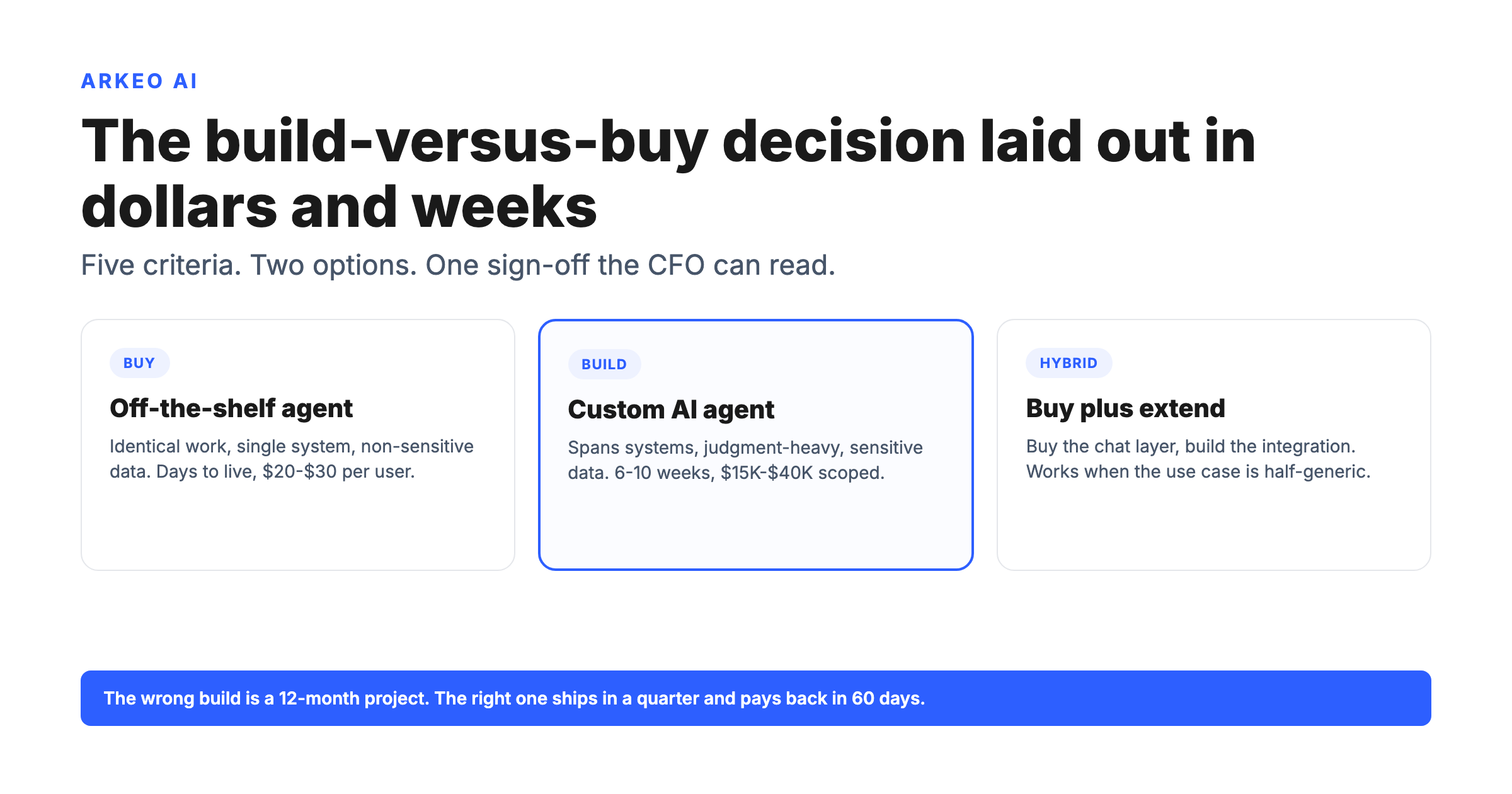
Make the agent with an internal team alone or with a build partner?
A senior engineering leader can give 50% time for a quarter, the team has shipped at least one agent before, and the workflow is the company's competitive logic worth keeping in-house. Cost: roughly $50,000 to $150,000 of internal time. Timeline: 12 to 20 weeks.
The team has not built an agent before, the deployment needs private or on-premise, or the time-to-value matters more than in-house IP. Cost: $15,000 to $40,000 scoped. Timeline: 6 to 10 weeks. Partner runs Assess, Deploy, Manage; workflow owner remains accountable.
The build needs five roles, named from day one, with a clean handoff between them.
of US executives say their organizations have already adopted AI agents. The 21% that have not are mostly the ones without the team roles named.
Source: PwC AI Agent Survey, 2025
How Does the Team Stay Accountable After the Agent Reaches Production?
The launch is not the destination. Three accountability practices keep the team's ownership clean once the agent runs in production.
Workflow owner reviews the exception queue weekly, approves high-stakes actions in real time, and reports monthly on hours-returned and dollar-return-per-recovered-hour. The agent reports to a human, not the other way around.
Workflow owner is too busy to review exceptions weekly; the build partner runs the manage layer alone. Works for a quarter; the agent starts to drift on edge cases as data and processes change.
No named accountability after launch. The agent's outputs are reviewed by nobody specifically. Exception rate climbs quietly until a wrong action surfaces and the team loses trust in the function.
For the broader operator view of where agents fit a business, the cluster pillar on ai agents for business covers the five lanes. For the architecture decisions inside the build itself, the post on building custom AI agents drills into step 2.
Make the first agent with the team named from day oneThe free AI Assessment names the five roles, the workflow, and the build plan that ships in a quarter.
Book Your Free AI Assessment →