Category
OpenClaw Installation Guide for Business Operations
Last updated: May 2026
Running a single command to clone a repository is easy. But taking that code and transforming it into a secure, private AI workforce for a mid-market enterprise is where most internal deployments fail. An OpenClaw installation is not just about downloading software. It requires mapping system dependencies, locking down data boundaries, and configuring a persistent daemon that can reliably process operational workflows.
When employees experiment with AI on their laptops, data security is non-existent. A proper OpenClaw installation moves that capability onto your own private infrastructure. This ensures your company data stays within your firewall while giving your team the automated capacity they actually need.
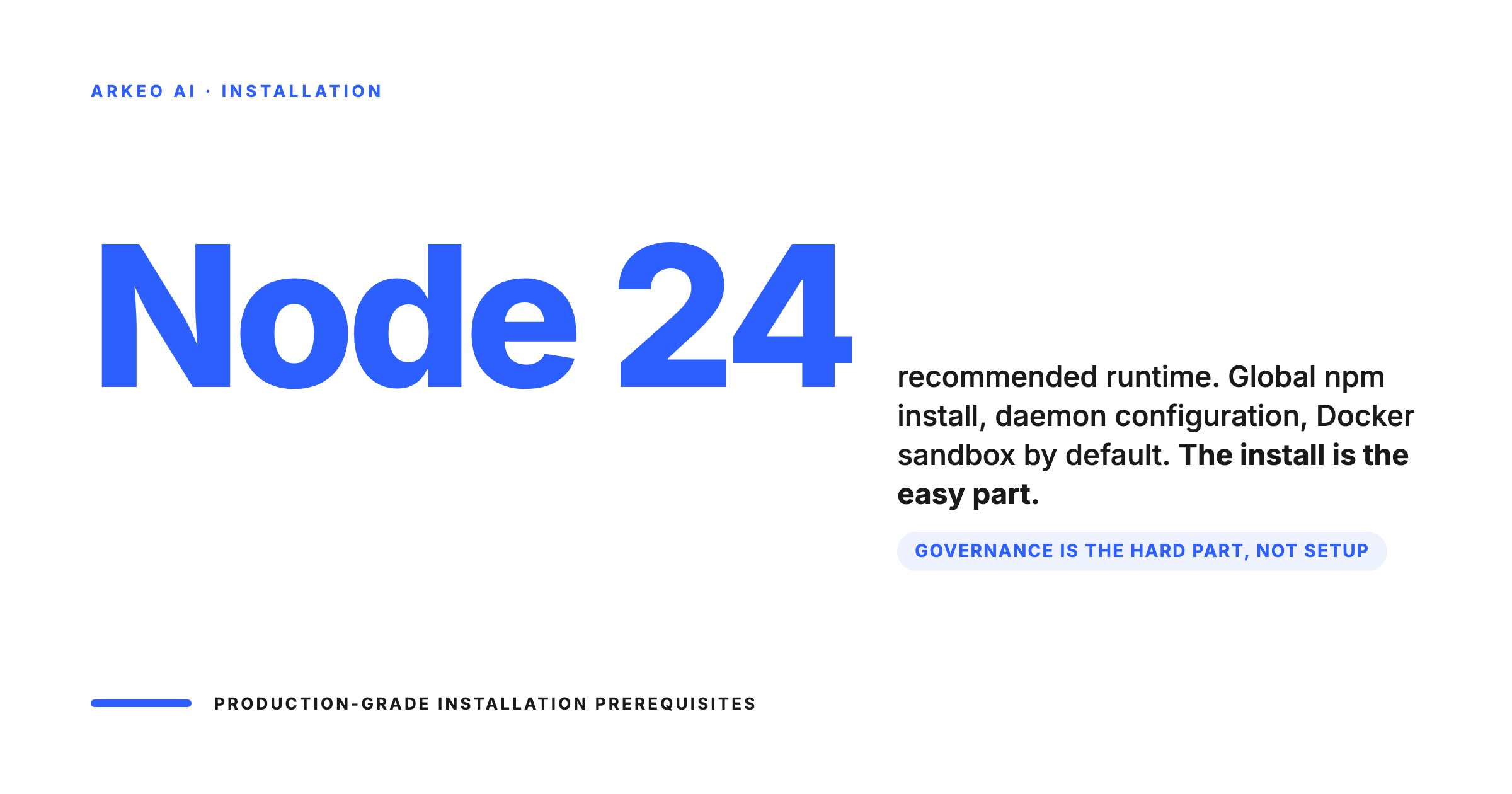
- Prerequisites: Node 24 is recommended for the runtime, though Node 22.16+ is supported.
- Deployment: The core system installs globally via npm, followed by a daemon configuration to ensure continuous operation.
- Security: Docker is utilized as the default sandbox backend to prevent agents from accessing unauthorized local files or networks.
- The Real Challenge: The code installs in minutes; configuring the Role-Based Access Control and mapping the business logic is what requires dedicated planning.
The Prerequisites for an OpenClaw Installation
Four prerequisites before a production OpenClaw install
The first three are technical and concrete. The fourth is the one teams skip and pay for later. Pin them in a runbook before the install starts.
Runtime
Node 24 recommended, Node 22.16+ supported. LTS only. No system Node on a fresh machine.
Hardware
For inference, GPU rig per the sizing guide. For CPU-only OpenClaw orchestration, a 16-core box is plenty.
Network
Inside the firewall. Outbound governed by SSRF policy on the Browser Relay container only.
Data access
Decide upfront which workspaces touch which systems. Document it. Wire RBAC accordingly.
Before executing any terminal commands, your infrastructure must be ready. OpenClaw acts as the control plane for your entire agent ecosystem. It requires a dedicated, secure environment to function reliably as an enterprise tool.
From a software perspective, the OpenClaw Gateway requires Node.js. Node 24 is the recommended runtime environment for optimal performance and stability. If your legacy servers are running older versions, you must upgrade your environment first. Node 22.16+ is the absolute minimum requirement.
From a hardware perspective, you must decide between a secure Virtual Private Cloud (VPC) or a dedicated on-premise server. The primary advantage of an OpenClaw setup is data sovereignty. If you install it on a poorly secured cloud instance, you defeat the purpose of a private AI deployment. The host machine should sit behind your corporate firewall, isolated from public internet traffic, ensuring that the agents only communicate with the specific internal databases they are authorized to access.
Step-by-Step Technical Deployment
Once your private environment is provisioned, the initial installation is straightforward. Because OpenClaw is distributed as a Node package, you use standard package managers to pull the latest stable release. The command npm install -g openclaw@latest installs the core binaries globally on your system.
However, running an AI workforce requires the system to be always-on. You cannot rely on a developer keeping a terminal window open. To establish persistence, you must run the onboarding process with the daemon flag: openclaw onboard --install-daemon. This step is critical. It configures the Gateway as a background service using systemd on Linux or launchd on macOS. The daemon ensures that if your server reboots, your AI agents come back online automatically.
By default, the Gateway service listens on port 18789. Your networking team must ensure this port is securely managed. It should not be exposed to the public internet. Access should be restricted to your internal network or accessed remotely only via secure tunnels like Tailscale. If you need a broader strategy on how this fits into your company architecture, you can review our complete guide on deploying OpenClaw.
Bring Your AI In-House.
Your employees are already using AI; you just don't control the data. Book a Free AI Assessment to map your shadow AI exposure and get a step-by-step plan to deploy a secure, private AI workforce on your own infrastructure.
Configuring the Sandbox and Data Boundaries
Installing the Gateway is only the first phase. The next phase is securing it. An AI agent is a digital employee capable of executing terminal commands, reading files, and writing scripts. You cannot give an automated agent unconstrained root access to your host machine.
OpenClaw solves this by using sandboxes for agent execution. Docker is the default and recommended sandbox backend. When an agent is spawned to handle a task, it operates inside a restricted Docker container. The standard configuration allows the agent to run bash scripts, read and write files within its isolated directory, and spawn sub-tasks. It explicitly denies access to your broader network, the host browser, or the Gateway controls themselves.
Configuring these boundaries correctly is not optional for a mid-market business. If an agent hallucinates or processes a malicious prompt from an external email, the sandbox ensures the blast radius is contained. That is exactly what we map during our free AI Assessment: determining which databases your agents actually need to touch, and locking down everything else.
Structuring Your Workspace for Business Operations
The final step in a production OpenClaw installation is configuring the Workspace. By default, the system stores its configuration and agent files in the ~/.openclaw/workspace directory. This is where the actual business logic lives.
Within this workspace, you define your specific agent skills and prompt files. A raw OpenClaw installation does not know how to process your company invoices or screen resumes. You must write the standard operating procedures that teach the agent how to interact with your specific CRM or ERP system. These rules are stored within the workspace directory, dictating the exact behaviour of your custom AI workforce.
Many technical teams install the software flawlessly but abandon the project because they fail to configure the workspace logic. At Arkeo, we manage this entire lifecycle. We do not just handle the technical installation; we build the custom agent logic, configure the security sandboxes, and provide the ongoing management required to keep your AI workforce operating at peak efficiency.
Bring Your AI In-House.
Your employees are already using AI; you just don't control the data. Book a Free AI Assessment to map your shadow AI exposure and get a step-by-step plan to deploy a secure, private AI workforce on your own infrastructure.





