Category
Claude Code Install and Rollout: Mid-Market Playbook
Last updated: May 2026
Your engineering team is already testing autonomous agents. The moment Anthropic released their terminal-native tool, developers ran the basic claude code install command and started letting AI read your codebase. Installing the tool takes five seconds. Managing the operational fallout takes significantly longer.
There is a massive difference between a developer running a local script and a mid-market company deploying a secure, governed AI workforce. If you treat agentic AI like just another package manager dependency, you risk fragmented codebases, IP exposure, and a pipeline full of unverified commits. Deploying autonomous agents across a team requires strict operational guardrails, secure context management, and rock-solid CI/CD integration.
Quick Answer
• The "CLI Tool" Risk: Treating the claude code cli as a standard developer tool ignores the risks of autonomous code generation without governance.
• The Rollout Playbook: A secure deployment requires standardizing local sandboxes, controlling context via the Model Context Protocol (MCP), and integrating the agent into your CI/CD pipeline.
• The Prerequisite: AI agents write code faster than humans. If your automated testing suite is weak, an AI workforce will simply scale your technical debt.
The "CLI Tool" Fallacy in Mid-Market Engineering
To understand the deployment challenge, you have to understand the tool. Claude Code is an agentic coding assistant that lives directly in your terminal, IDE, or browser. It reads your files, executes commands, traces bugs, and authors complete features. This is not the autocomplete functionality you get from standard tools. This is an autonomous agent making structural decisions about your software.
When an engineering leader hears about the tool, the initial instinct is to simply let the team run the native install script or Homebrew command and get back to work. This is the CLI tool fallacy. An agent that can write files, modify architectures, and execute terminal commands requires an entirely different class of governance.
Without an operational strategy, rogue agents will pull your codebase in different directions. One developer's local agent might rewrite a module using a framework your team does not officially support. Another might accidentally feed sensitive configuration data into an unmonitored prompt. You cannot deploy an AI workforce by accident. You must define the rules of engagement before the agents start pushing code.
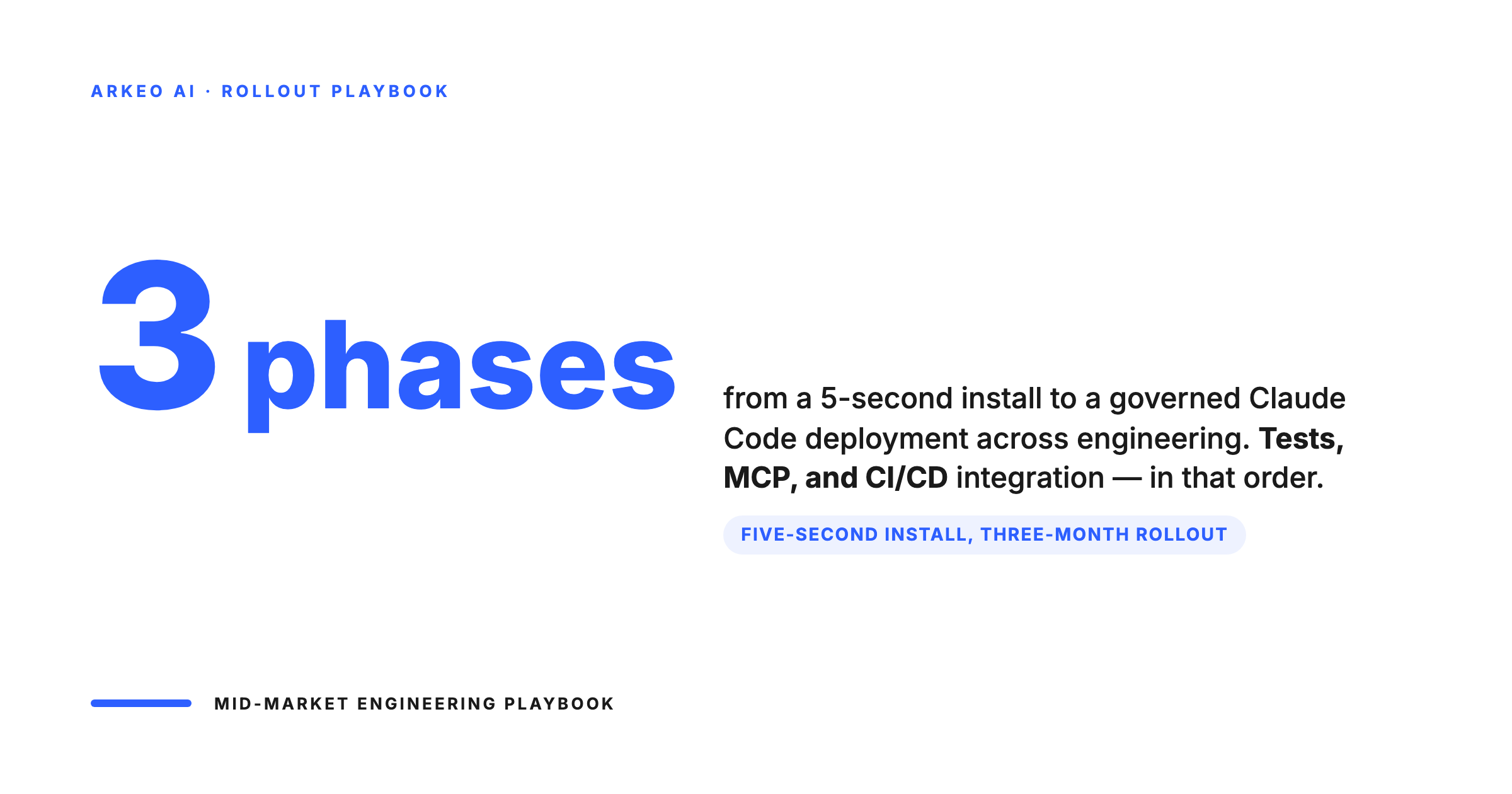
The 3-Phase Playbook for a Claude Code Rollout
At Arkeo AI, we run our own business operations on private AI systems. We know firsthand that deploying agents on your infrastructure requires a structured playbook. For mid-market engineering teams, the rollout happens in three distinct phases.
Phase 1: Standardizing the Local Sandbox
The first step is securing the local developer environment. Claude Code relies on context to make good decisions. If you do not provide explicit boundaries, the agent will guess.
You need to mandate a standardized project memory file across all repositories. This file acts as the agent's system prompt for that specific codebase. It must define your architectural rules, preferred libraries, naming conventions, and testing requirements. When a developer starts a session, the agent reads this file and aligns its output with your engineering standards.
Additionally, you must enforce local execution hooks. An autonomous agent should never bypass your standard quality checks. Configure your repositories so that code formatting and basic linting run automatically before the agent is allowed to stage a commit.
Phase 2: Controlling Context with MCP
Your codebase is only one part of the operational truth. To be truly effective, an AI agent needs access to issue trackers, design documents, and internal wikis. Anthropic uses the Model Context Protocol to connect the agent to external data sources.
This is where mid-market IT governance is critical. You cannot allow developers to connect local agents to sensitive corporate data silos without oversight. You must deploy managed integrations that explicitly restrict what the agent can read. If an agent is assigned to fix a bug, it should have access to the specific Jira ticket and the relevant Confluence architecture doc. It does not need access to the HR Slack channel or financial reporting repositories.
Phase 3: Integrating with CI/CD Pipelines
The true value of an AI workforce is not just in local development. The ultimate goal is integrating the agent into your automated pipeline. Moving from a local assistant to an enterprise system means connecting the claude code github integration or GitLab CI/CD equivalent.
In a mature deployment, the agent automatically reviews pull requests, analyzes continuous integration failures, and triages incoming issues. When a human developer opens a PR, the agent should do the first pass of the code review. It can check for security vulnerabilities, verify alignment with the repository guidelines, and flag missing test coverage before a senior engineer ever looks at the code.
The order that keeps governance ahead of velocity
The mistake mid-market teams make is letting autonomous code generation get loose before the safety harness is built. The pattern below puts the harness first: local sandboxes, then context control, then CI/CD integration.
Local sandbox
Standardize the developer environment with project memory files (CLAUDE.md). Every dev runs the same setup.
Context control
Wire the agent to internal data via Model Context Protocol (MCP). Authenticated, allow-listed, audit-logged.
CI/CD integration
Pull the agent into the deployment pipeline. PRs reviewed by humans, gated by tests, traceable end to end.
See Where AI Fits in Your Business
Book a free 30-minute AI Assessment. We'll map your highest-value automation opportunities, estimate ROI, and build a 90-day deployment roadmap. No obligation, no pitch deck.
Why Your Testing Suite Must Evolve First
There is a harsh operational truth about deploying AI agents: they will expose every weakness in your automated testing suite.
Agents write code incredibly fast. If you lack robust regression testing, that speed becomes a liability. An agent might successfully implement a requested feature while inadvertently breaking an undocumented edge case in a distant module. If your CI/CD pipeline does not catch the error, the broken code goes to production.
Before you roll out autonomous coding tools across your entire engineering department, you must audit your test coverage. Your human developers might know the unwritten rules of your legacy systems. The AI agent does not. Your tests are the only line of defense against rapid technical debt accumulation.
AI agents scale a weak test suite as fast as they scale velocity
The honest read is uncomfortable. If your test coverage was weak before agents, agents will produce broken code at higher throughput. Fix the suite before you scale the workforce.
Unit
Function and module behaviour. The first line of defense against bad agent output.
Component + Integration
Cross-module and service-level behaviour. Where agent regressions hide.
End to end
Full workflow behaviour. The last gate before production. Skipping these is how agents ship outages.
From Developer Tool to Private AI Workforce
Installing a command line interface is an IT task. Deploying a private AI workforce is a business operations strategy. You are not just buying a new software license. You are integrating a new type of digital employee into your most critical engineering workflows.
Our approach at Arkeo AI focuses on the full lifecycle. You have to assess the readiness of your infrastructure, deploy the systems securely, and manage the ongoing governance of the agents. That managed phase is what separates successful rollouts from expensive science experiments.
Assess, deploy, manage — the deployment loop for an AI engineering workforce
Same lifecycle as any production system, applied to agents. Assessment is not optional. Deployment is not the end. Management is where most of the cost lives over five years.
Assess
Map current shadow AI use, security exposure, and the workflows where agents pay back first.
Deploy
Stand up the agent environment with governance in place. Ship the first workflow into a single team.
Manage
Continuous review of agent output, prompt iteration, MCP scope updates, post-incident review.
Ready to Deploy AI on Your Infrastructure?
Arkeo builds private AI systems for mid-market companies. No cloud dependencies, no data leaving your building, no per-token pricing. Start with a free 30-minute assessment.





