Category
Claude Code Agents vs Copilots: The Real ROI Difference
Last updated: May 2026
Every mid-market operator we talk to shares the same frustration: they bought AI Copilot licenses for their entire team, but the massive productivity gains never materialized. The reality is that Copilots only solve a typing problem. We recently audited a 50-person engineering team that spent six months using standard Copilots; their ticket velocity barely moved, because the real bottleneck was never writing code. It was planning, testing, and debugging. To get real operational leverage, you need a different paradigm. Claude Code agents are autonomous AI tools that execute entire workflows independently, rather than just suggesting autocomplete text while a human drives.
Quick Answer
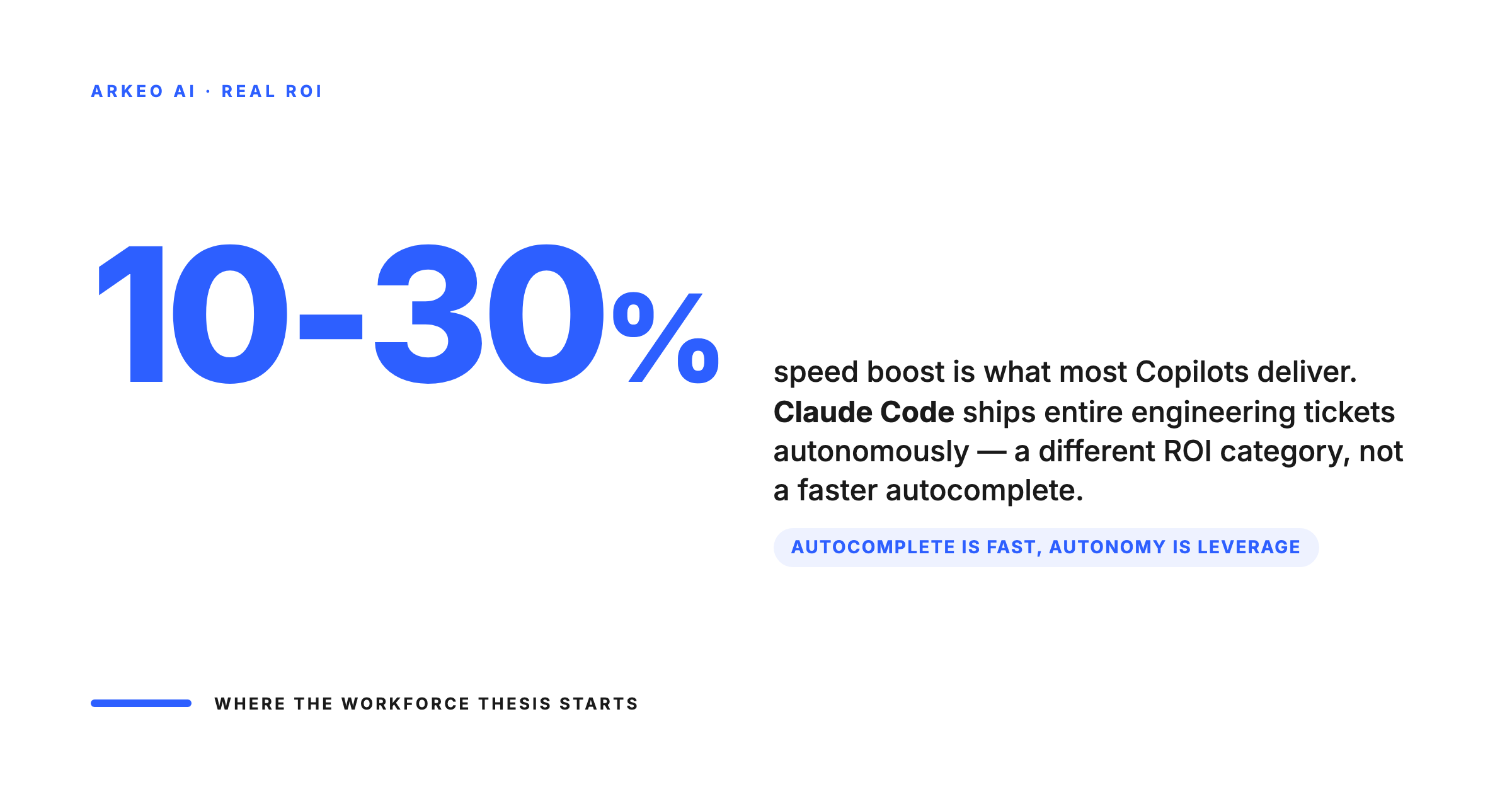
• The Copilot problem: Copilots act as autocomplete and require a human driver, typically yielding only a 10 to 30 percent speed boost.
• The agent advantage: Agents like Claude Code run autonomously in the terminal, executing entire workflows from planning to committing code.
• The paradigm shift: Companies move from buying individual AI tools for employees to managing a private AI workforce.
• The security reality: Real operational leverage requires deploying agents on private infrastructure to keep proprietary data secure.
The Limits of a Copilot Paradigm
Most operators think Copilots are the end game for AI productivity. They are wrong. When you deploy a Copilot, you are essentially giving your team a faster bicycle. The human is still doing all the pedalling, steering, and navigating.
The uncomfortable truth is that Copilots do not save you from the hard work of thinking; they just make you type faster. A developer using a Copilot still has to read the ticket, understand the codebase, prompt the tool, review the suggestion, run the tests, and fix the inevitable errors. This means the cognitive load remains entirely on your employees. The tool is simply an assistant.
Every step still runs through the human
Copilots are productivity tools for the developer at the keyboard. The cognitive load — reading the ticket, mapping the code, prompting, reviewing, testing — stays on the human. The speedup is real, but it does not change how many tickets a developer can ship in a week.
Human-driven cycle
Cognitive load stays on the developer
If you want to scale your business without scaling your headcount, a 10 percent boost in typing speed is not going to move the needle. You need a system that can take a goal and execute the steps required to achieve it without constant human hand-holding.
Enter the Agent: How Claude Code Changes the Game
This is where autonomous agents fundamentally change business operations. Instead of sitting inside a code editor waiting for a human to start typing, agents like Claude Code run directly in the terminal. They have direct access to your shell, your file system, and your Git repositories.
When you give Claude Code a task, it does not just spit out a block of text. It reads the relevant files, proposes a plan, edits the code, runs the test suite, analyzes the failure logs, and corrects its own mistakes. It executes the entire workflow. The human shifts from being a driver to being a manager who approves the final result.
We saw this firsthand when deploying an agent to handle routine integration updates. A process that used to take a human developer three hours of tedious file comparison and testing was completed by the agent in under twelve minutes. The agent did the work, and the human simply reviewed the pull request.
Human sets the goal, agent does the work, human reviews the output
Five steps inside the loop, four of them run by the agent. The human enters at the top to set the goal and at the bottom to review the PR. The throughput ceiling moves from author capacity to review capacity.
Read
Agent reads the ticket, the codebase, and the relevant context for the change.
Plan
Agent drafts the change plan. Files to touch, tests to add, risks to flag.
Edit
Agent makes the changes, applies the standards from CLAUDE.md, runs the linters.
Test
Agent runs the test suite, iterates on failures, commits when green.
PR
Agent opens the pull request with the rationale, the diff, and the test evidence. Human reviews.
See Where AI Fits in Your Business
Book a free 30-minute AI Assessment. We'll map your highest-value automation opportunities, estimate ROI, and build a 90-day deployment roadmap. No obligation, no pitch deck.
Book Your Free AI Assessment →
Building an Autonomous AI Workforce
When AI can execute complete workflows, the conversation shifts from dev tools to workforce management. You are no longer just buying software licenses. You are building and managing a private AI systems team.
Managing an AI workforce requires the same operational discipline as managing human employees. You must define clear roles, set strict permissions, and monitor output. With tools like Claude Code, operators can configure agent profiles and restrict tool access using command-line flags. You decide exactly what the agent is allowed to do and which systems it can touch.
This level of control is what makes enterprise deployment possible. You are not just letting a black-box AI loose in your systems; you are carefully provisioning an agent with specific responsibilities and boundaries.
The Four Controls Every AI Workforce Needs in Production
The teams that succeed with autonomous agents do not improvise. They put four operational controls in place before any agent touches production code. Skip any of them and the agent eventually does something you did not authorize.
Control 1: Define roles. Each agent gets one job description. The integration-update agent is not the security-audit agent. Single-purpose agents are easier to monitor, easier to debug, and far easier to constrain.
Control 2: Scope permissions. Each agent gets least-privilege access to the specific repos, tools, and systems it needs for its job description, and nothing else. A frontend refactor agent does not need write access to the billing service.
Control 3: Set the output review SLA. Before any pull request from an agent merges, a named human reviews it within a defined window. For low-risk changes that may be hours; for anything touching customer data or money it should be minutes. The SLA is what keeps your reviewers honest and prevents agent output from quietly accumulating in main.
Control 4: Define the escalation path. When the agent fails or stalls, it must page a specific human who owns that agent. Generic Slack channel pings do not work; ownership does. The same way an on-call rotation works for human-built systems.
Four production controls for running agents as a workforce, not a toy
These four are the difference between a fleet of agents that ship work and a fleet of agents that produce confidently wrong PRs. Skip any one of them and the throughput advantage evaporates into review overhead.
Define the role
Each agent has a job description: what it ships, what it does not touch, what it escalates.
Scope the surface
Folders, services, credentials, and tools each agent can use. Enforced by MCP, not by prompt.
Set the review SLA
Output review windows, approval gates, and rollback timing. The human side has to keep up.
Escalation path
Named human reviewer per agent, named owner for rollback. No anonymous handoffs.
The Security Question: Private AI Deployment
The immediate concern for any data-conscious operator is security. You cannot allow an autonomous agent to send your proprietary source code, financial models, or customer data back to public cloud models without strict governance.
This is why the foundation of an AI workforce must be data sovereignty. Deploying agents on your own infrastructure ensures that your intellectual property never leaves your building. That is exactly what we map during our free AI Assessment: where your data is currently leaking and how to secure it.
When you control the environment, you control the risk. A private deployment means you get the transformational productivity of autonomous agents without compromising your competitive advantage or failing compliance audits.
Ready to Deploy AI on Your Infrastructure?
Arkeo builds private AI systems for mid-market companies. No cloud dependencies, no data leaving your building, no per-token pricing. Start with a free 30-minute assessment.
Book Your Free AI Assessment →





